
Download Hytale v0.5.2 + ONLINE
Game Details
Release name : Hytale v0.5.2 + ONLINE
Size : 3.89 GB
Title : Hytale
Genre : Adventure, RPG, Survival, Early Access
Developer : Hypixel Studios
Publisher : Hypixel Studios
Store : click here
Release Date : Jan 13, 2026
Credits / Released By: OFME
Screenshots
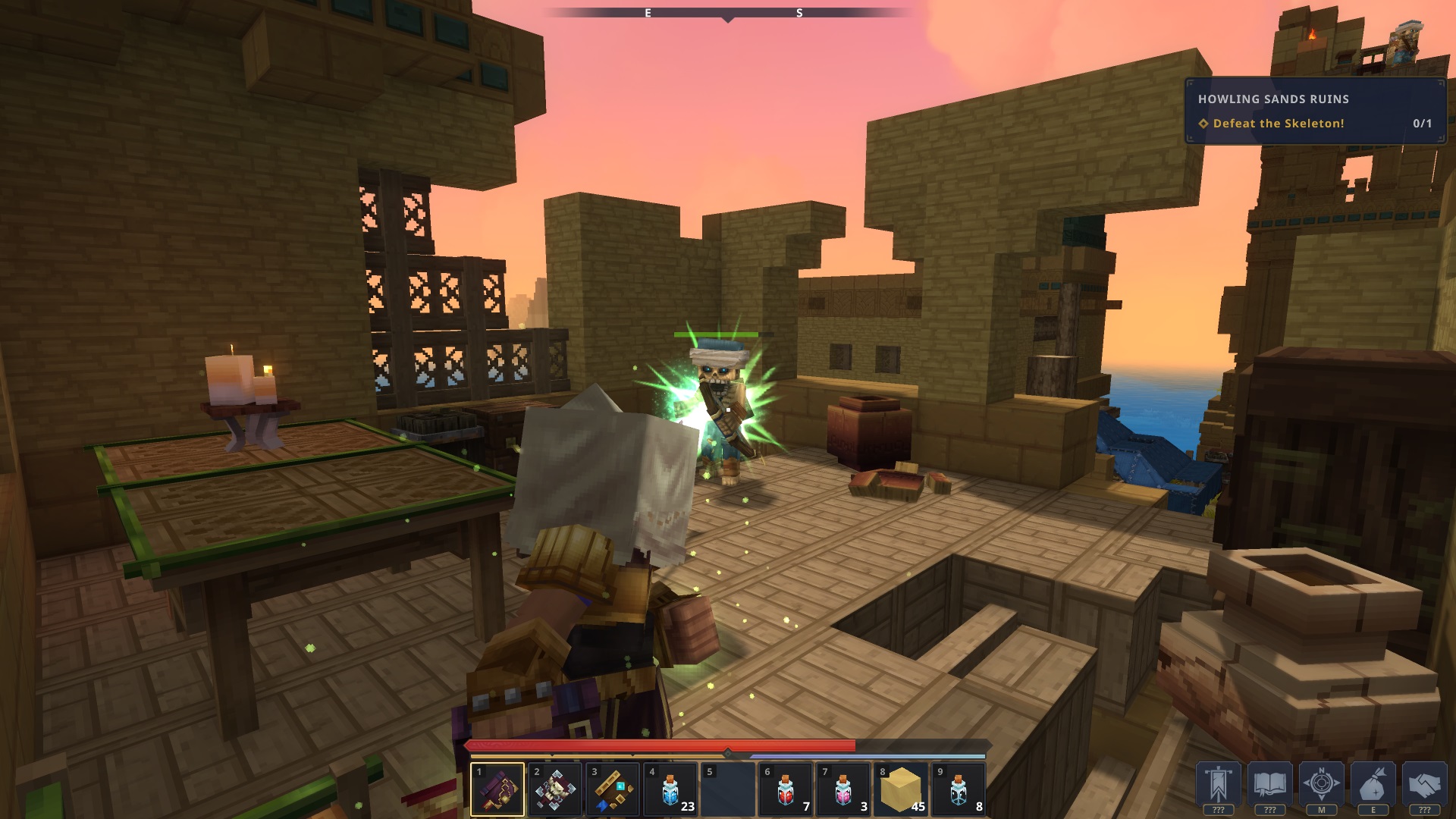
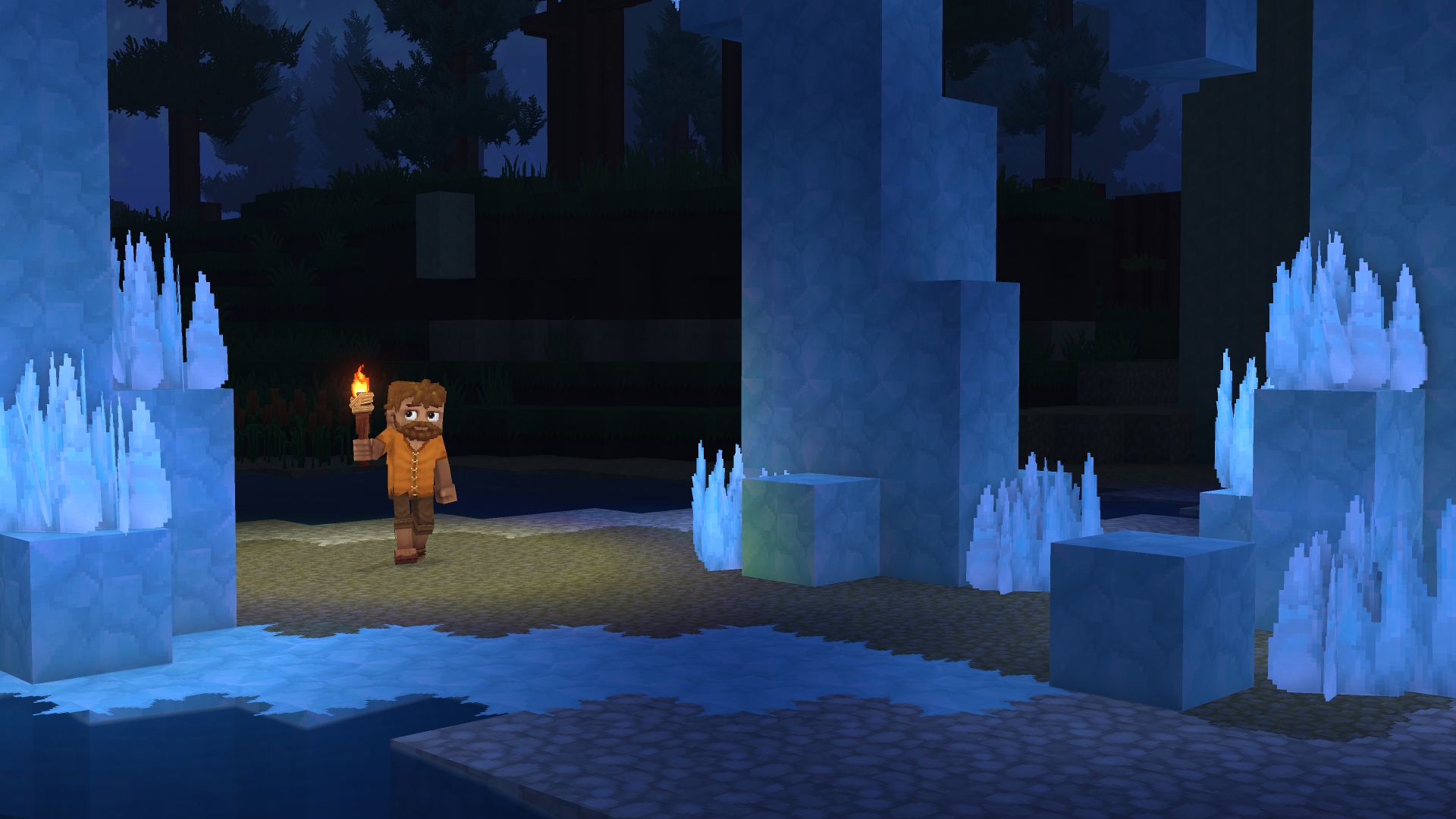
Gameplay
About This Game :
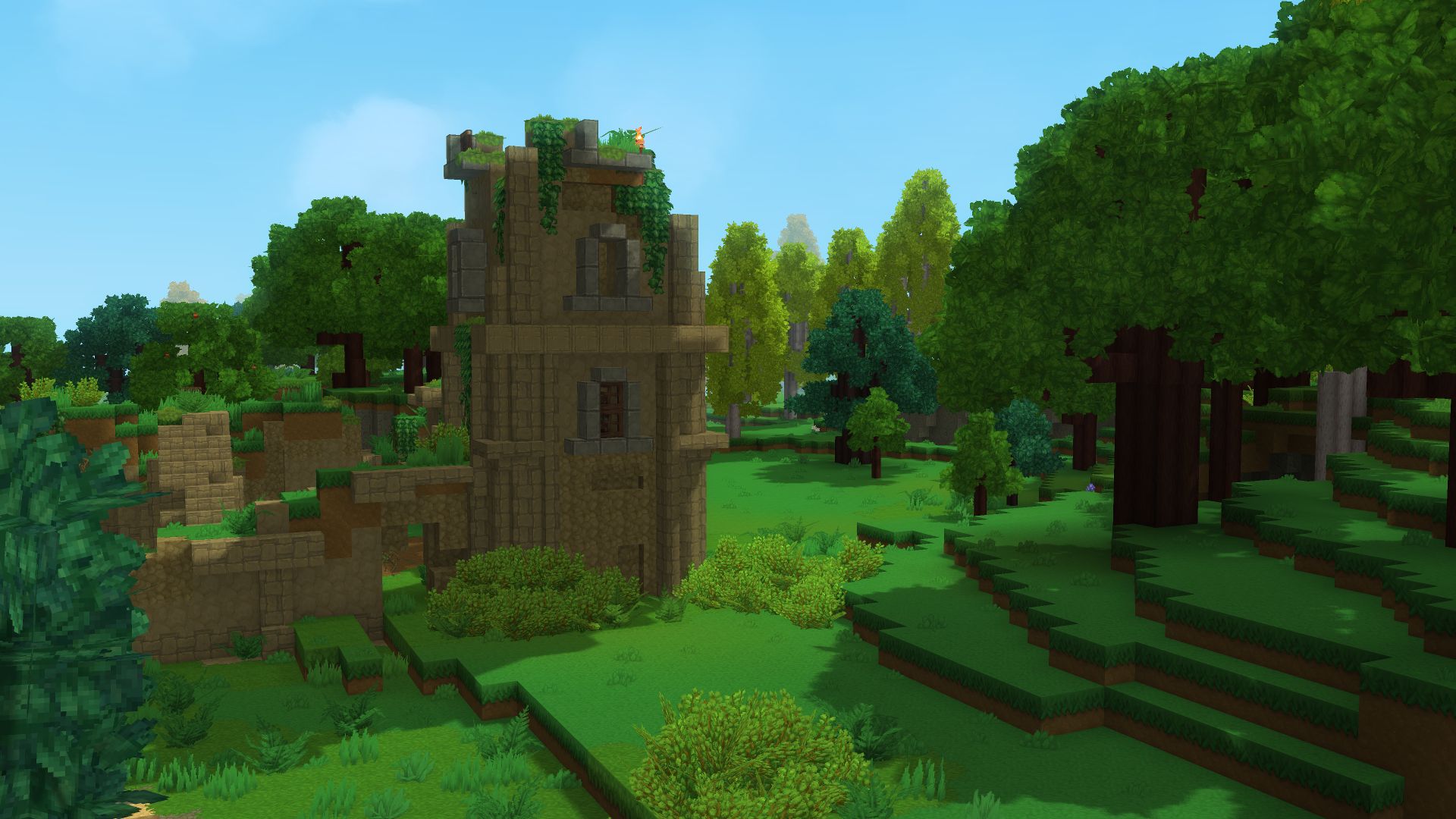
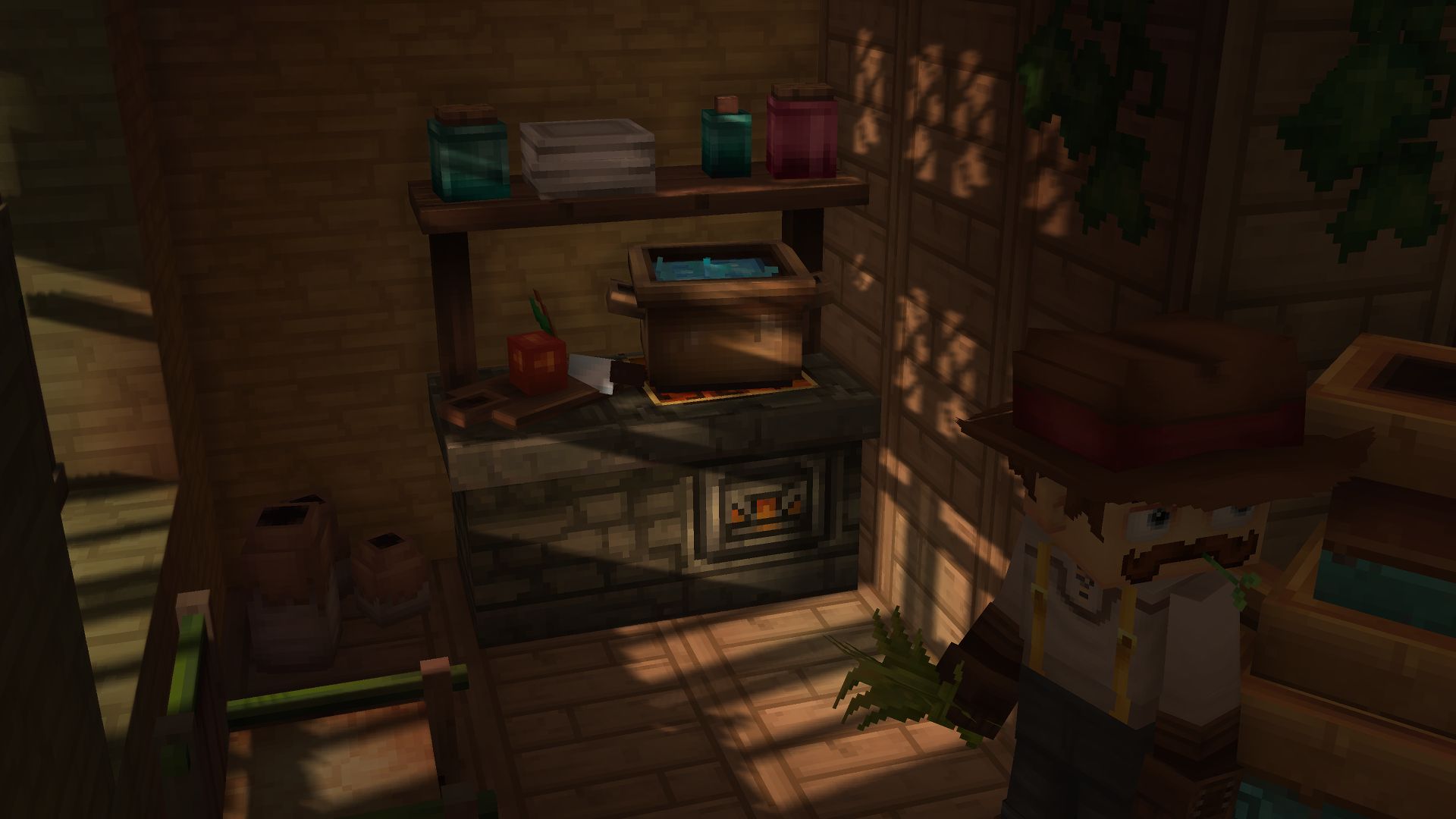
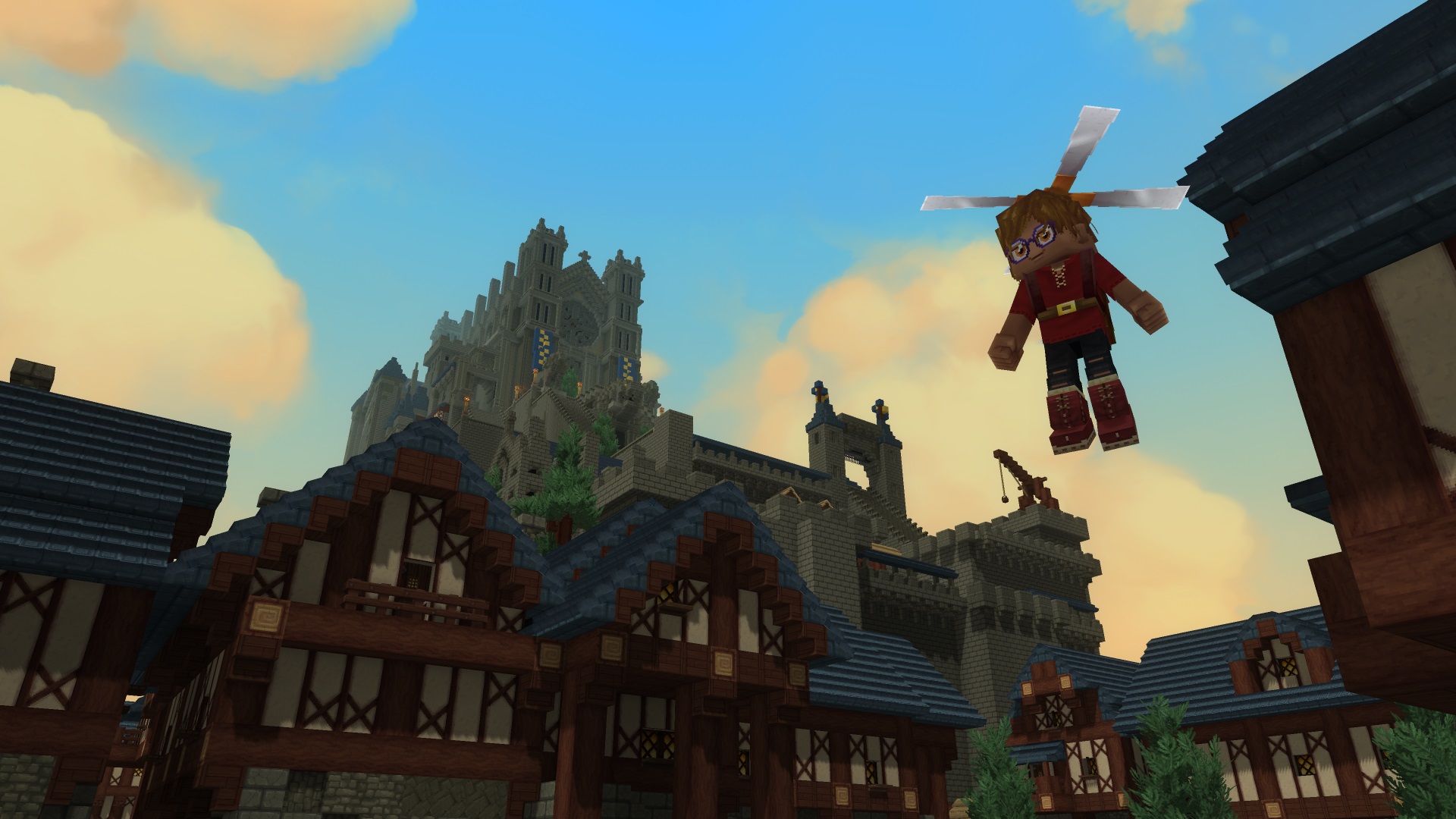
Set out on an adventure built for both creation and play. Hytale blends the freedom of a sandbox with the momentum of an RPG: explore a procedurally generated world full of dungeons, secrets, and a variety of creatures, then shape it block by block. Our Early Access release focuses on polished core systems – exploration, responsive combat, and robust building – alongside creator‑first tools for making your own content, crafting minigames, and running community servers. Jump in, make your mark, and help us grow this world together
System Requirements for Hytale
MINIMUM :
- OS: Windows 11 or Windows 10 64-bit (version 1809).
- CPU: Intel Core i5-7500 or AMD Ryzen 3 1200 (or equivalent)
- RAM: 8 GB.
- GPU: Integrated (Intel UHD 620 / AMD Vega 6) or Dedicated (NVIDIA GTX 900 / AMD Radeon 400 / Intel Arc A-Series).
- Storage: SSD with 10 GB free space.
- Network: 2 Mbit/s download for multiplayer (UDP/QUIC)
RECOMMENDED :
- OS: Windows 11 or Windows 10 64-bit (version 1809).
- CPU: Intel Core i5-10400 or AMD Ryzen 5 3600 (or equivalent).
- RAM: 16 GB
- GPU: Integrated (Intel Iris Xe / AMD Radeon 660M) or Dedicated (NVIDIA GTX 900 / AMD Radeon 400 / Intel Arc A-Series).
- Storage: SSD with 20 GB free space.
- Network: 8 Mbit/s download for multiplayer (UDP/QUIC)
How To Install Hytale
1. Download The Game.
2. Extract with WinRAR
3. Play!.
How To play Hytale ONLINE
1. Start a LAN simulator such as Radmin and join the appropriate room or lobby, or connect through an actual local network instead.
2. Launch the game via HytaleLauncher.exe.
3. Joining: Servers > Direct connect > Enter the server IP > Connect.
Hosting: Start the server with install\release\package\game\latest\Server\start-server.bat.
4. Enjoy !
Notes:
- If the folder path to the game includes special characters, the game will not work correctly. Make sure to remove any special characters from the path.
- Make sure Java is installed before running the server.
- Check this guide for more detailed server configuration.
- You can change the username in the C:\Users\Public\Documents\OnlineFix\Hytale\OnlineFix.ini file.
- Players who own the game can still connect to cracked servers.
Download Hytale
Download Hytale Crack Online





Stay related to the article's topic.
Avoid unnecessary links or spam.
No offensive language, insults, or personal attacks.
Have a question unrelated to this article? Visit our Questions Section .
Join the Discussion
Share your thoughts with us