
Download Minecraft for Windows + ONLINE
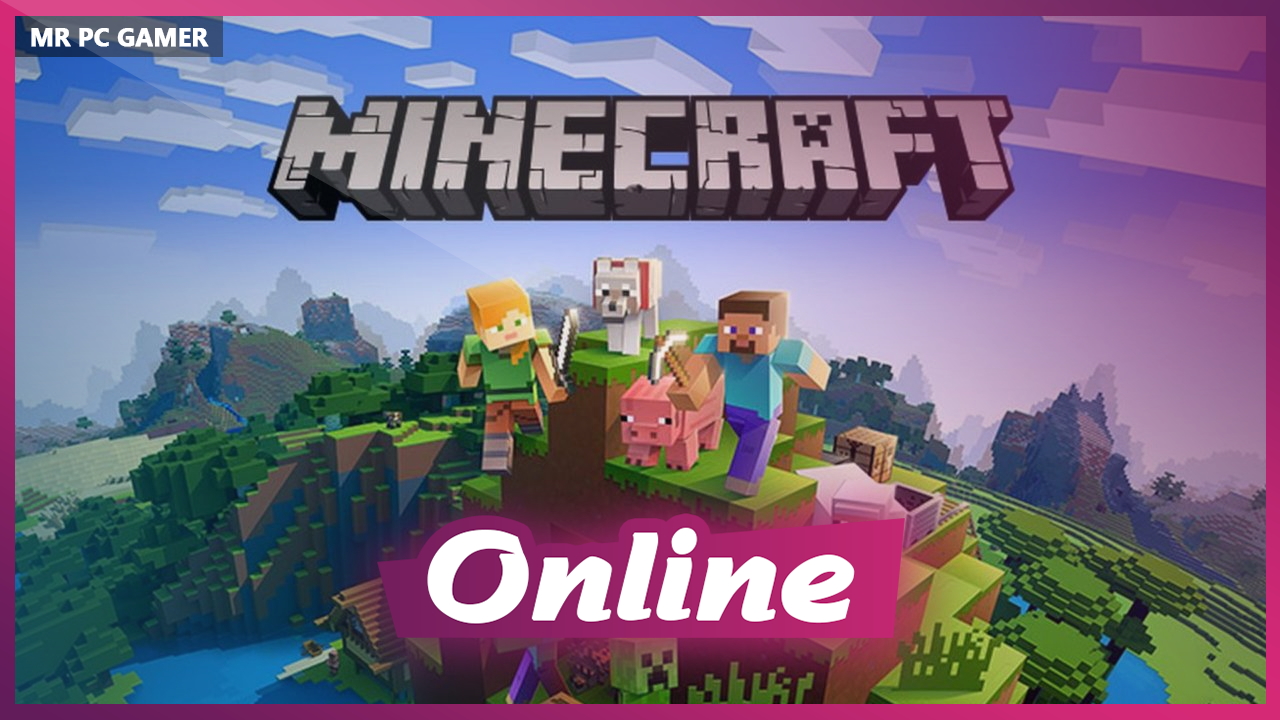
Game Details
Release name : Minecraft for Windows + ONLINE
Size : 1.16 GB
Title: Minecraft
Genre: Action, Adventure, Survival
Developer: Mojang Studios, Xbox Game Studios
Publisher: Mojang Studios, Xbox Game Studios
Store : click here
Release Date: 16 August 2011
Credits / Released By: OFME
Screenshots
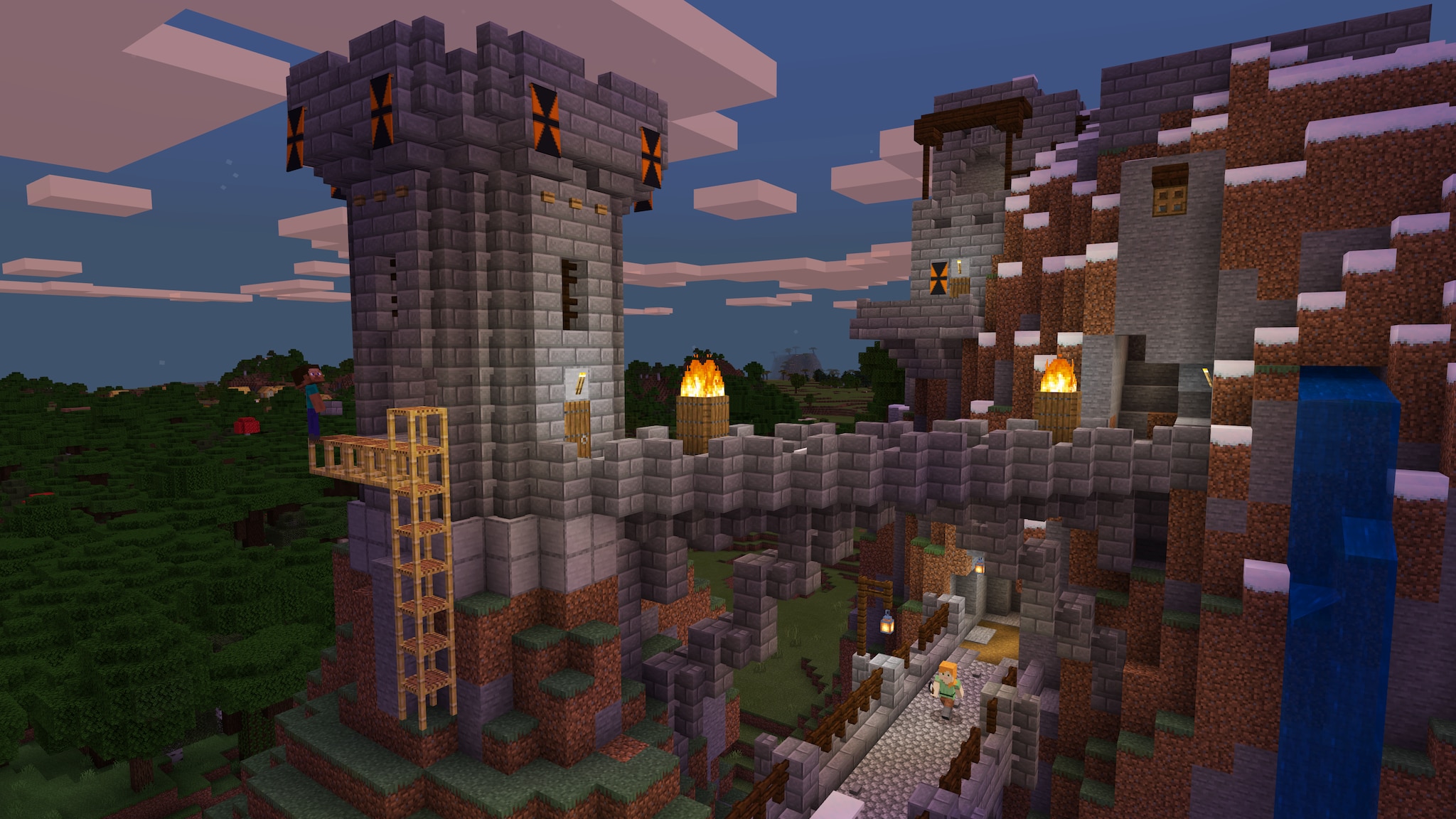
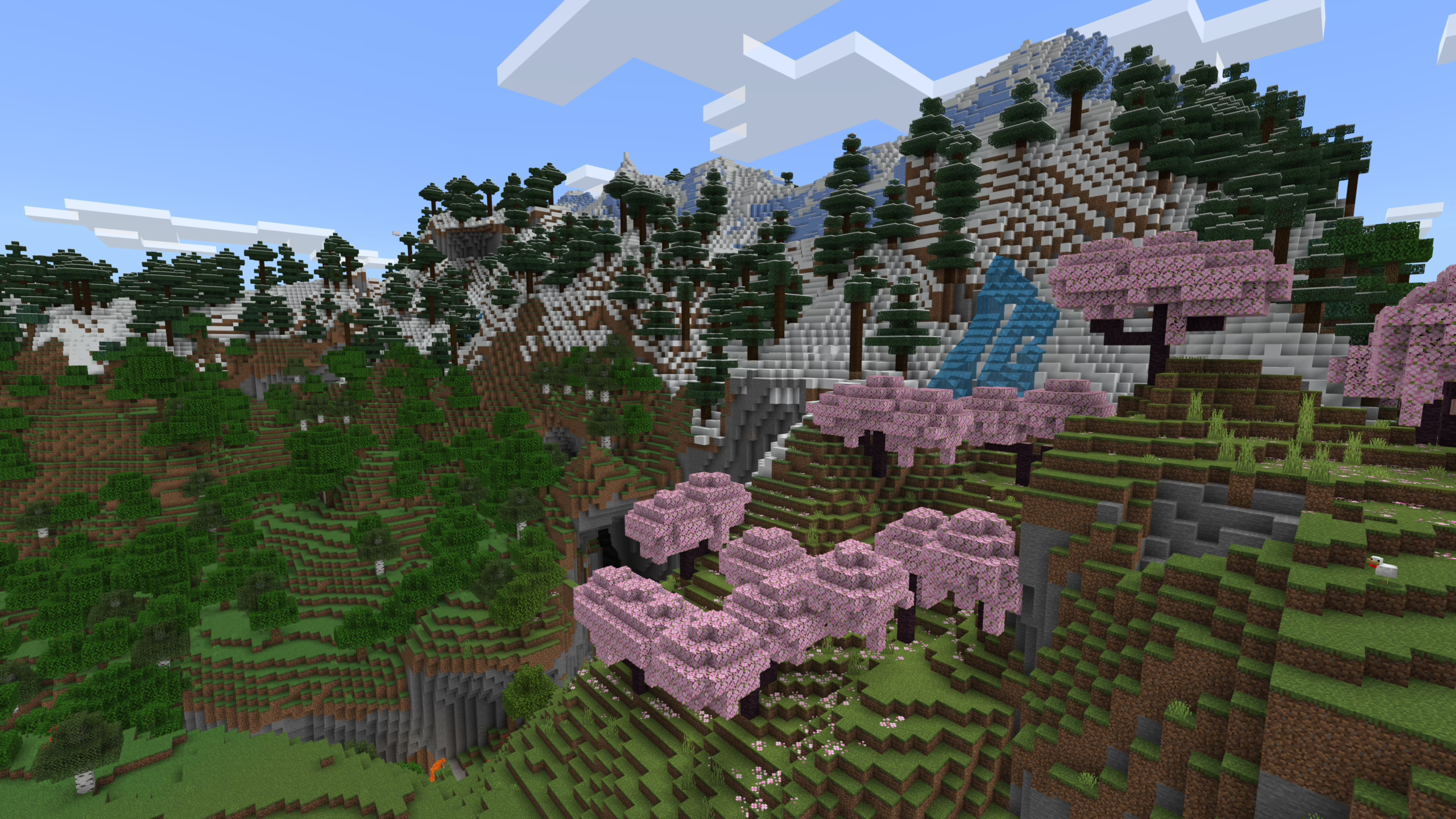
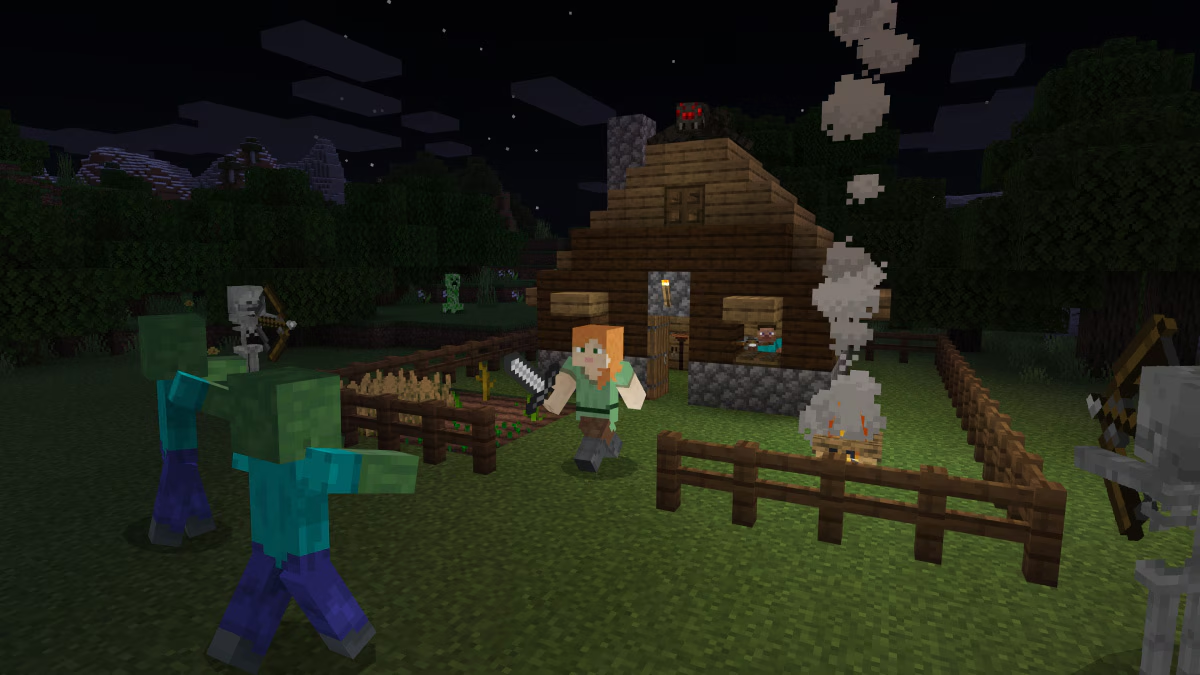
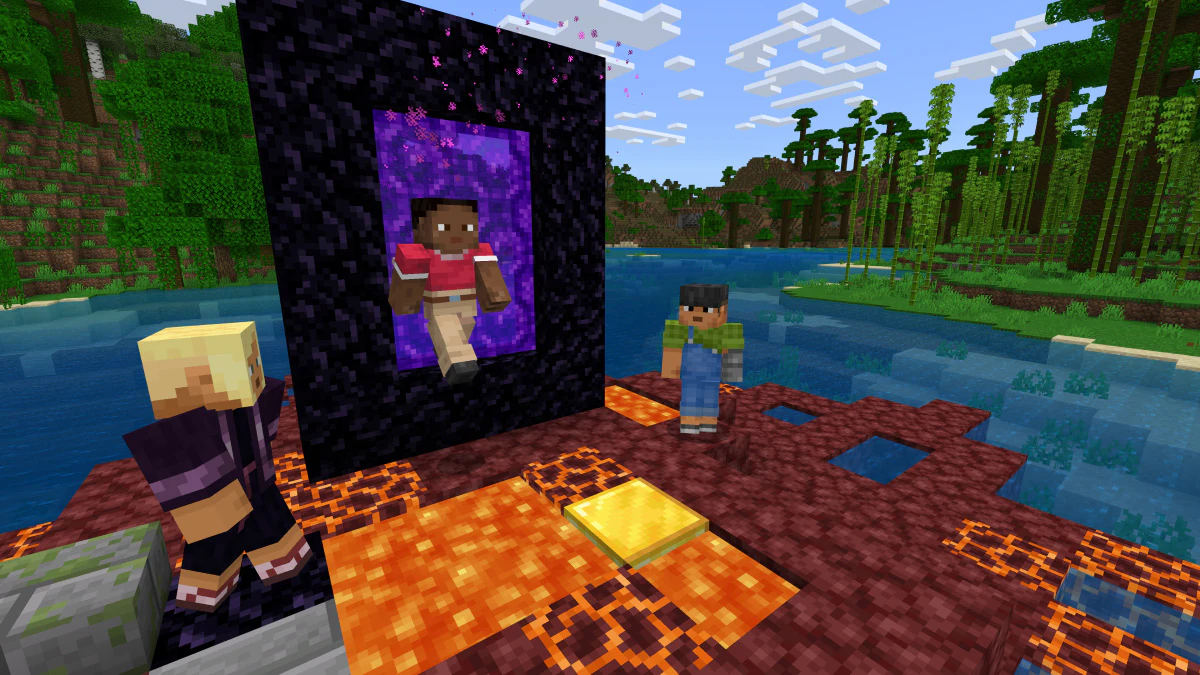
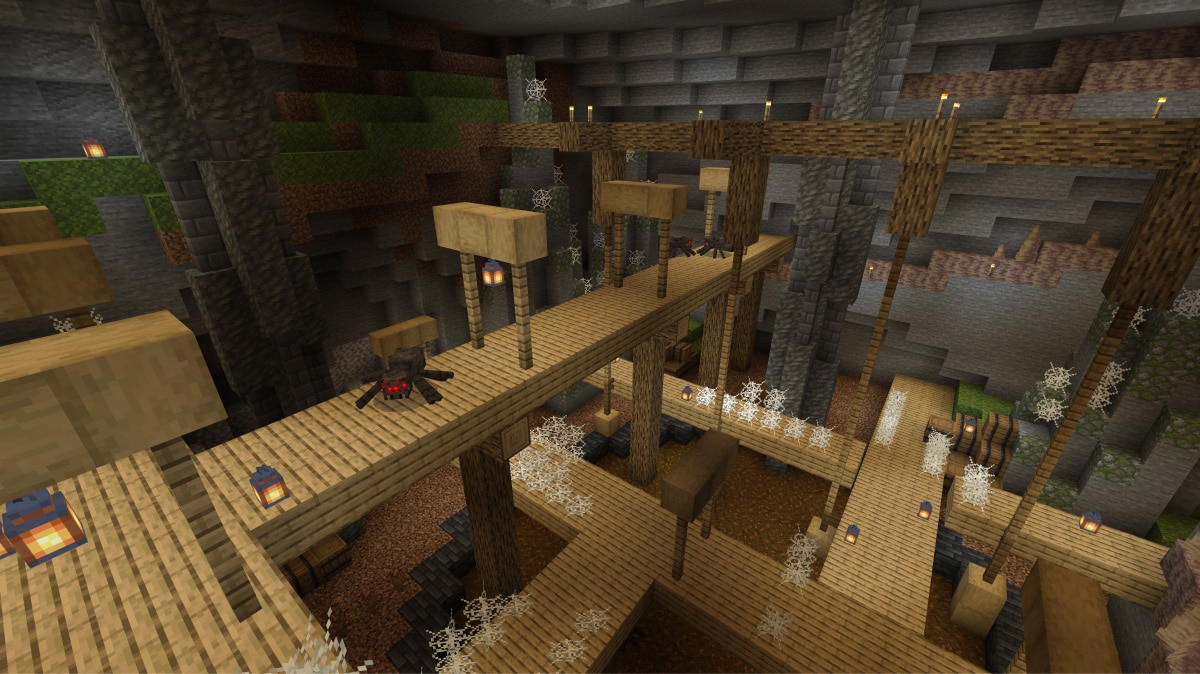
Gameplay
About This Game :
Explore randomly generated worlds and build amazing things from the simplest of homes to the grandest of castles. Play in creative mode with unlimited resources or mine deep into the world in survival mode, crafting weapons and armor to fend off the dangerous mobs. Scale craggy mountains, unearth elaborate caves, and mine large ore veins. Discover lush cave and dripstone cave biomes. Light up your world with candles to show what a savvy spelunker and master mountaineer you are!
FEATURES:
– If you can dream it, you can build it. Put your imagination and limitless resources to work with Creative Mode.
– Battle mobs, construct shelter, and explore the landscape—it’s all in a day’s work when you try to survive and thrive in Survival Mode.
– New tools, locations, and spaces are yours to explore, thanks to our regular updates.
– Cross-platform play for up to eight players across Windows, PlayStation, Nintendo, Xbox, and mobile devices. Minecraft for Windows also runs on Windows Mixed Reality and Oculus Rift devices and supports all features.
– Slash commands: Tweak how the game plays- you can give items away, summon mobs, change the time of day, and more.
– Discover skin, texture, and mash-up packs from the community! Find out more at minecraft.net/marketplace.
– Join free massive multiplayer servers and play with thousands of others! Discover gigantic community-run worlds, compete in unique mini-games and socialize in lobbies full of new friends.
– Ray tracing for Windows brings a different graphics experience to Minecraft! Experience creator-built worlds with realistic lighting, vibrant colors, naturally reflective water and emissive textures that light up.
System Requirements for Minecraft
MINIMUM :
-
OS: 64-bit Windows 10 or later
-
CPU: Intel Celeron J4105 / AMD FX-4100 or equivalent
-
RAM: 4 GB
-
GPU: Intel HD Graphics 4000 / AMD Radeon R5 series
-
Storage: At least 1 GB for game core and other files
-
DirectX: Version 11
RECOMMENDED :
-
OS: Windows 10 or later
-
CPU: Intel i7-6500U / AMD A8-6600K or equivalent
-
RAM: 8 GB
-
GPU: NVIDIA GeForce 940M / AMD Radeon HD 8570D or equivalent
-
Storage: 4 GB SSD recommended
-
DirectX: Version 11
How To play Minecraft ONLINE
1. Download the demo version of Minecraft for Windows from the official Microsoft Store. [Click Here to download]
2. Download the “Online Crack” from the link provided below.
3. Extract it to X:\XboxGames\Minecraft for Windows\Content (where ‘X’ is the drive letter of the disk where the game is installed, which will be different in your case).
4. Launch the game via start menu.
5. Joining: Accept an invitation from a friend via Xbox Game Bar Overlay.
Hosting: Play > Create a new world > Multiplayer > Make sure the Multiplayer game box is checked > Create.
6. Enjoy !
Notes:
- You can play on official servers.
-
To use resource packs, you must manually place them in the new game directory found at “%appdata%\Minecraft Bedrock\users\shared\games\com.mojang\resource_packs”.
Download Minecraft
Download Minecraft Crack Online



Stay related to the article's topic.
Avoid unnecessary links or spam.
No offensive language, insults, or personal attacks.
Have a question unrelated to this article? Visit our Questions Section .
Join the Discussion
Share your thoughts with us