
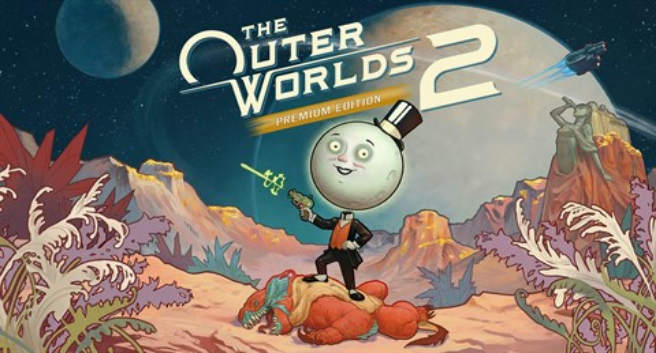
Download The Outer Worlds 2 Premium Edition Build 20467470
Game Details
Release name : The Outer Worlds 2 Premium Edition Build 20467470
Size : 84.30 GB
Title : The Outer Worlds 2
Genre : Action, Adventure, RPG
Developer : Obsidian Entertainment
Publisher : Xbox Game Studios
Store : click here
Release Date : 29 Oct, 2025
Credits / Released By: Based on my own CSF files + CODEX-RUNE emu.
Screenshots
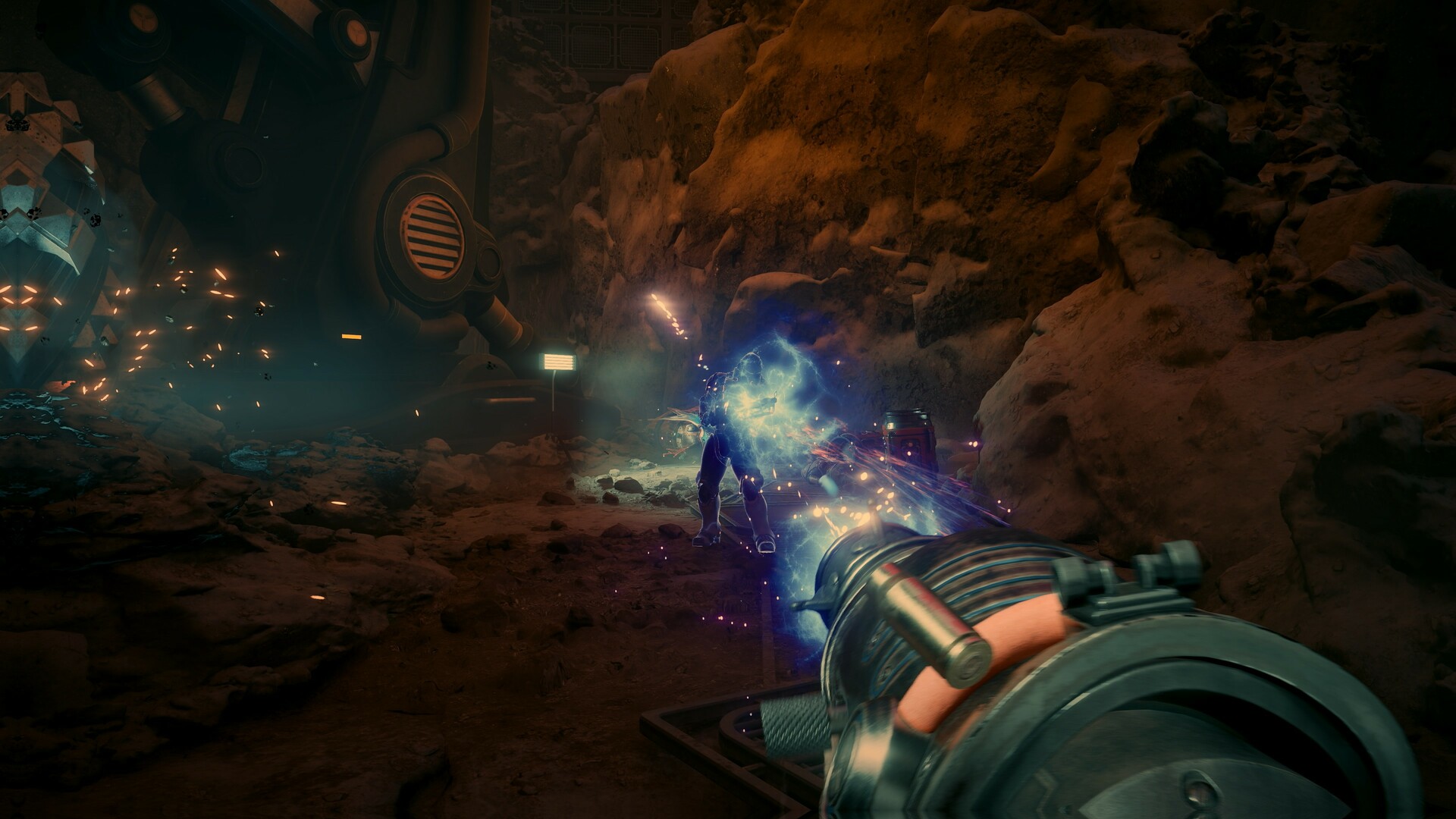
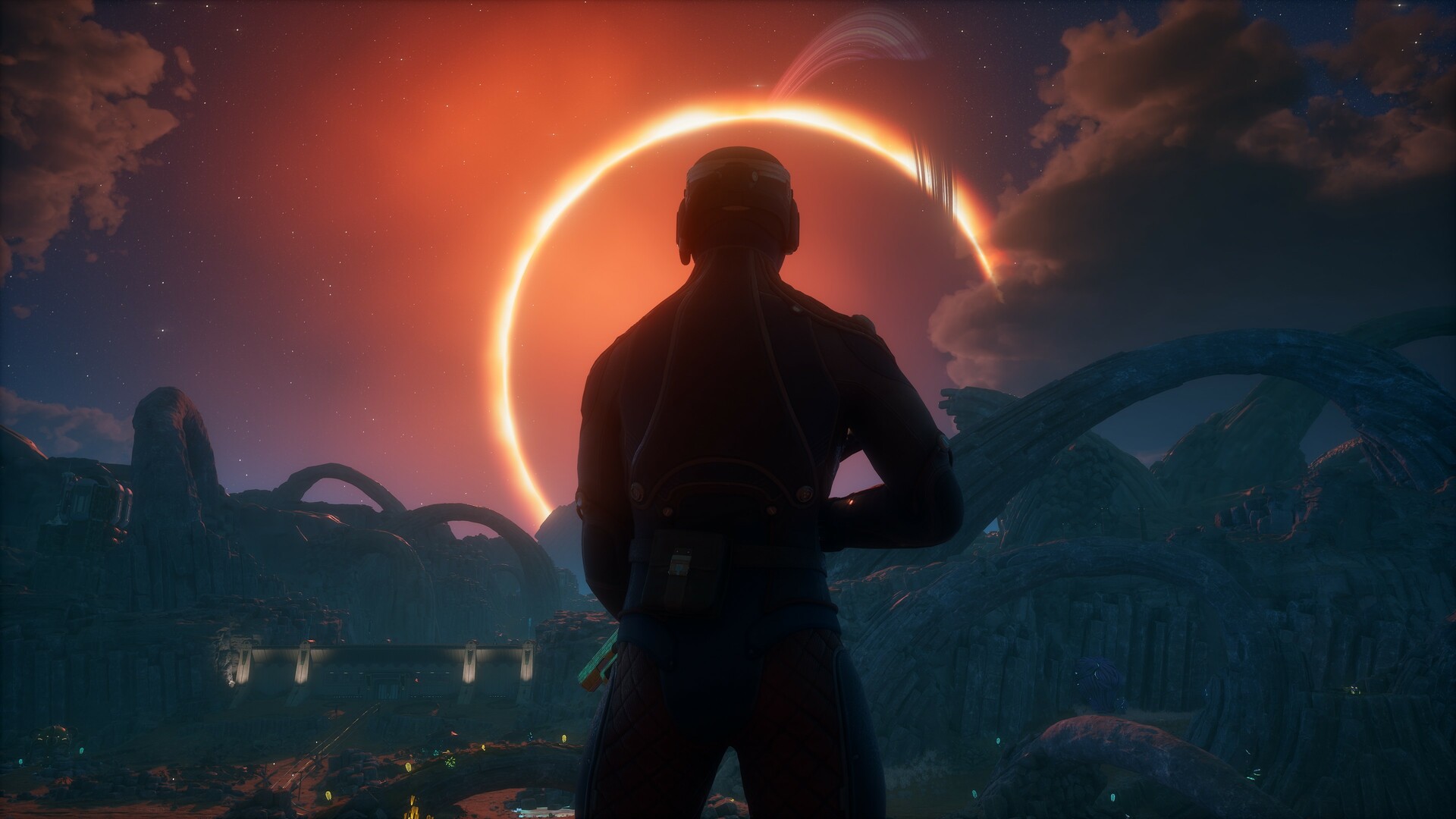
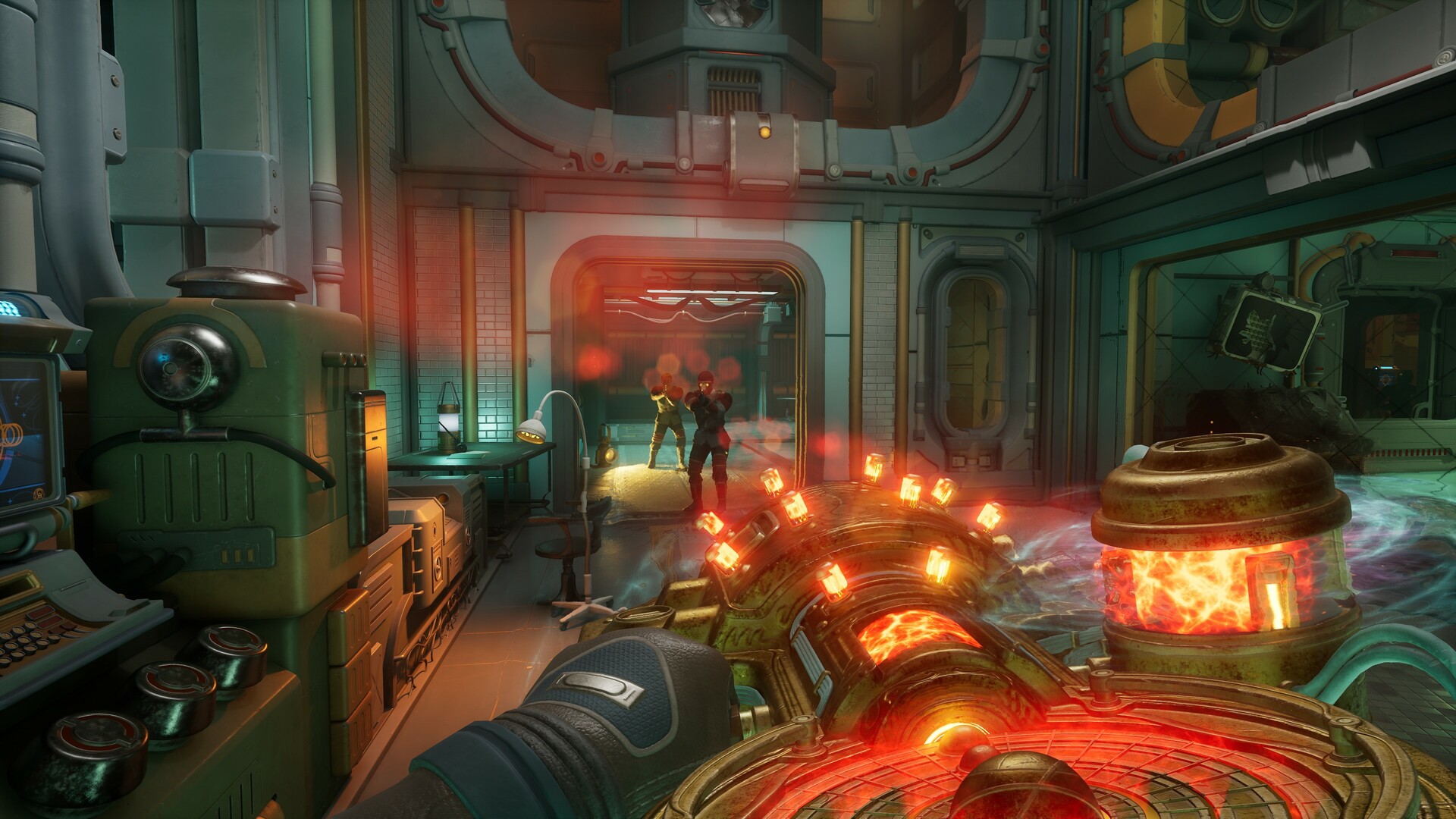
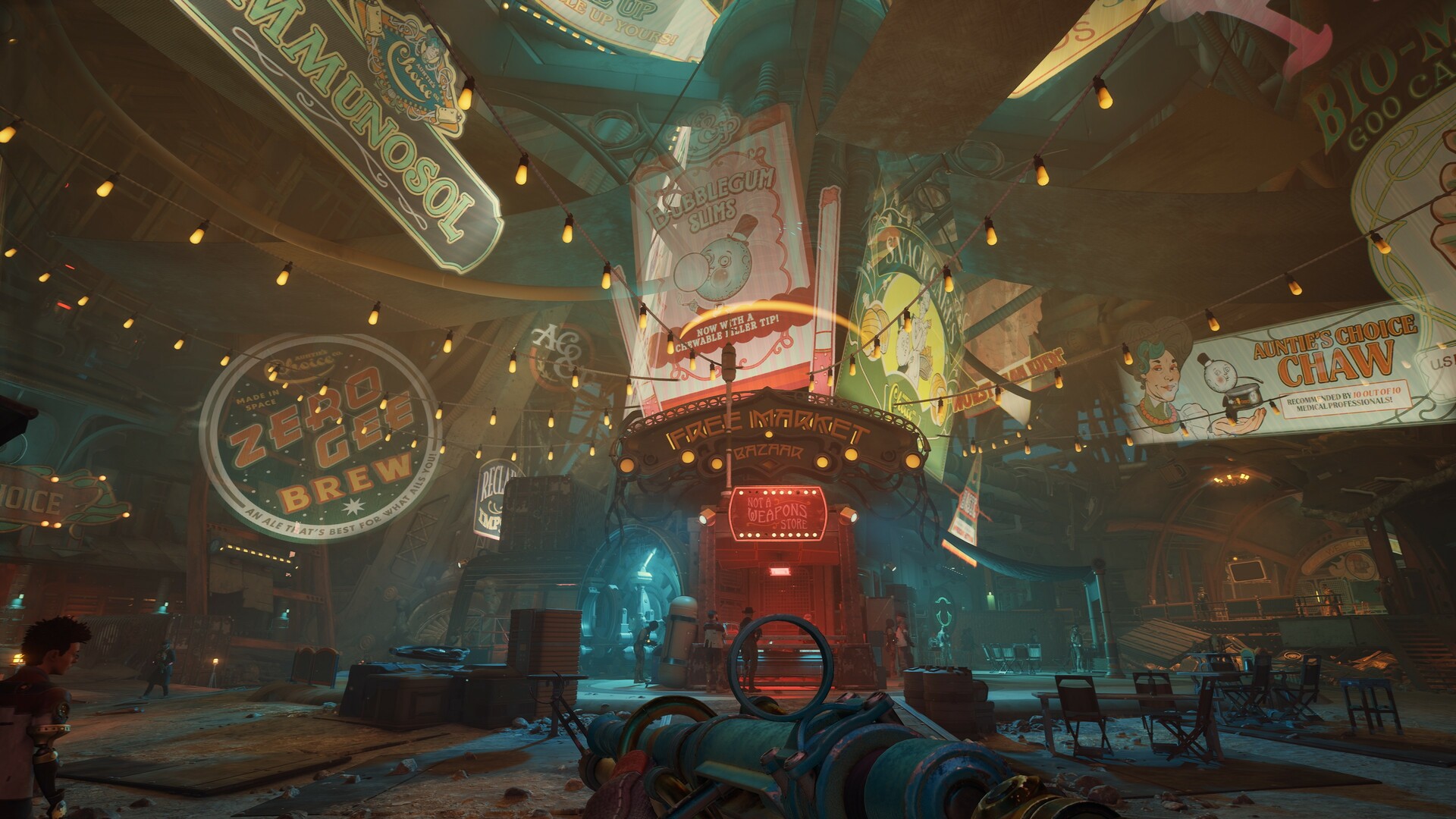
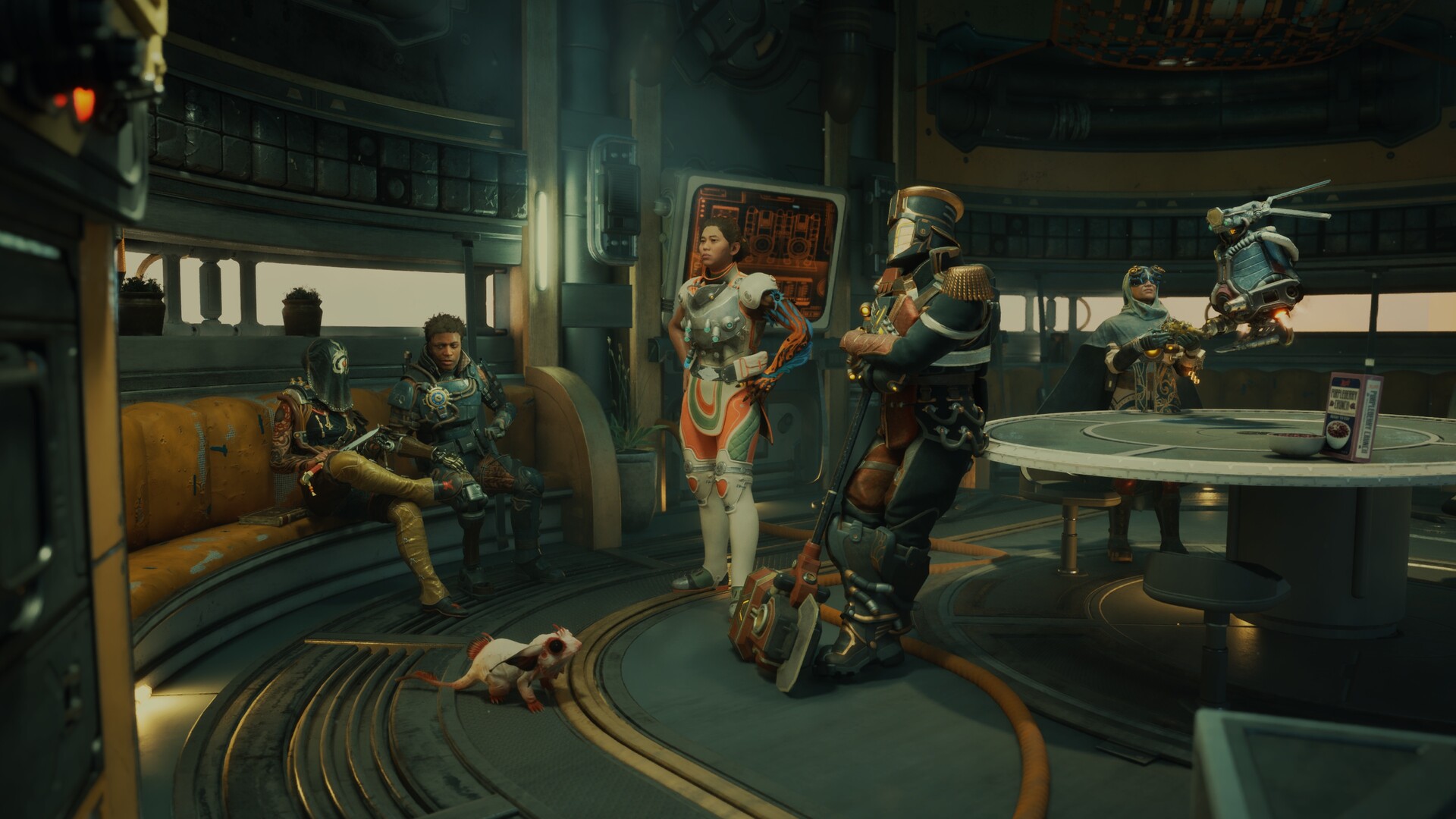
Gameplay
About This Game :
The Outer Worlds 2 is the eagerly-awaited sequel to the award-winning first-person sci-fi RPG from Obsidian Entertainment (just look at the exciting number of dashes in this sentence!). Time to clear your calendar – get ready for an action-packed adventure with a new crew, new weapons, and new enemies in a new colony! So much newness!
As a daring and most likely good-looking Earth Directorate agent, you must uncover the source of devastating rifts threatening to destroy all of humanity. Your investigation leads to Arcadia, home of skip drive technology, where the fate of the colony, and ultimately the entire galaxy, rests on your decisions—your strengths, your flaws, your crew, and the factions you choose to trust.
The Arcadia colony is engulfed in a factional war, as the Protectorate’s so-called benevolent rule is challenged by the rebellion of their religious order and a corporate invasion. As destructive rifts spread across the colony, each faction fights to control or close them for their own ends. Navigate diverse zones, uncover hidden lore, and shape the fate of a system on the brink!
Build your character with the abilities and choices that reflect your playstyle. The colony reacts to your every move, crafting a narrative that’s yours to own—whether you’re a disciple of diplomacy, an astute strategist, a crusader for chaos, or something different altogether. And yes, you can dumb!
Recruit companions with unique traits, backgrounds and goals. Whether you choose to help them achieve their ambitions or steer them toward your own objectives, your influence shapes their growth (or death), making them an integral part of the immersive story you create together.
High Fidelity Graphics
Explore Arcadia with stunning visual detail. The Outer Worlds 2 supports true 4K resolution on compatible devices and unlocked framerates on PC, delivering smooth performance across sprawling alien landscapes, neon-lit cities, and fractured space environments.
Ray Tracing
Ray tracing adds depth and realism across Arcadia. From glowing rift anomalies to the reflections of neon signs on rain-soaked streets, advanced lighting, shadows, and reflections create a more dynamic and immersive experience.
DLSS, FSR, and XeSS Support
Play with optimized performance across the board. The Outer Worlds 2 supports NVIDIA DLSS, AMD FSR, and Intel XeSS upscaling, ensuring sharp visuals and higher frame rates no matter your GPU.
HDR
Step into Arcadia with high dynamic range support. HDR enhances contrast and color depth across compatible displays, making every neon light, alien sky, and weapon blast more vivid and lifelike.
Ultra-wide Support
See more of Arcadia with ultra-wide 21:9 display support. From massive corporate facilities to the vastness of space, a wider field of view delivers a more cinematic perspective on the colony’s fractured future.
System Requirements for The Outer Worlds 2
MINIMUM :
- OS: Windows 10/11 with updates
- Processor: AMD Ryzen 5 2600 / Intel i5-8400
- Memory: 16 GB RAM
- Graphics: AMD RX 5700 / Nvidia GTX 1070 / Intel Arc A580
- DirectX: Version 12
- Storage: 110 GB available space
- Additional Notes: SSD required. Performance scales with higher-end systems.
RECOMMENDED :
- OS: Windows 10/11 with updates
- Processor: AMD Ryzen 5 5600X / Intel Core i7-10700K
- Memory: 16 GB RAM
- Graphics: AMD Radeon RX 6800 XT / Nvidia RTX 3080
- DirectX: Version 12
- Storage: 110 GB available space
- Additional Notes: SSD required. Performance scales with higher-end systems.
How To Install The Outer Worlds 2
1. Download The Game.
2. Extract with WinRAR
3. Launch the game via TheOuterWorlds2.exe.
4. Enjoy !
Included DLCs
- The Outer Worlds 2 Artbook & Soundtrack
- The Outer Worlds 2 – Commander Zane’s Battle Pack
- The Outer Worlds 2 Pet Tie-in
- The Outer Worlds 2 Pet Tie-in 2
Download The Outer Worlds 2
Download The Outer Worlds 2 Direct Link


Stay related to the article's topic.
Avoid unnecessary links or spam.
No offensive language, insults, or personal attacks.
Have a question unrelated to this article? Visit our Questions Section .
Join the Discussion
Share your thoughts with us