
Download Across the Obelisk v1.4.1 + ONLINE
Game Details
Release name : Across the Obelisk v1.4.1 + ONLINE
Size : 3.37 GB
Title : Across the Obelisk
Genre : Adventure, Indie, RPG, Strategy
Developer : Dreamsite Games
Publisher : Paradox Interactive, Paradox Arc
Store: click here
Release Date : 08 April, 2021
Credits / Released By: OFME
Screenshots
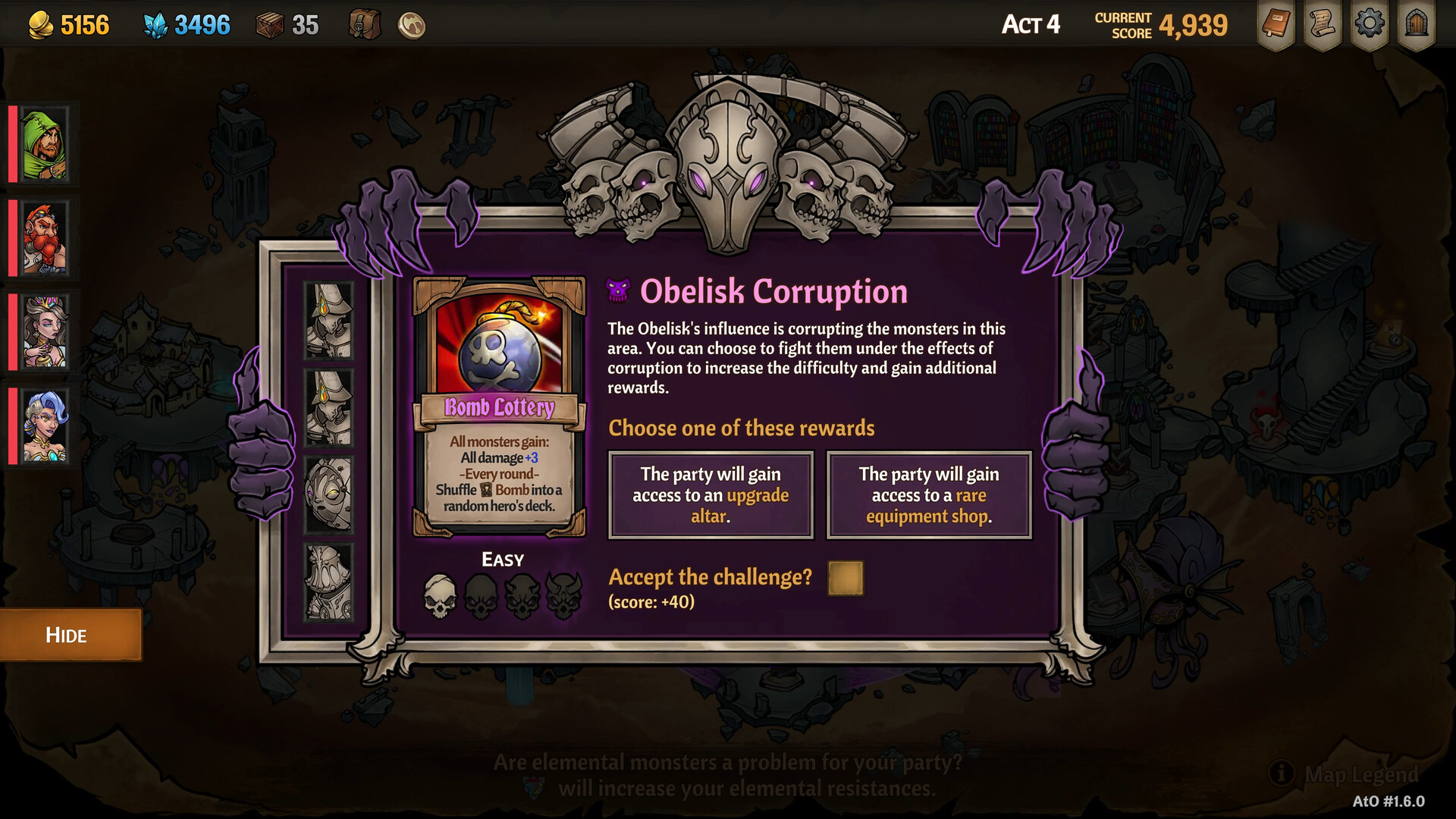
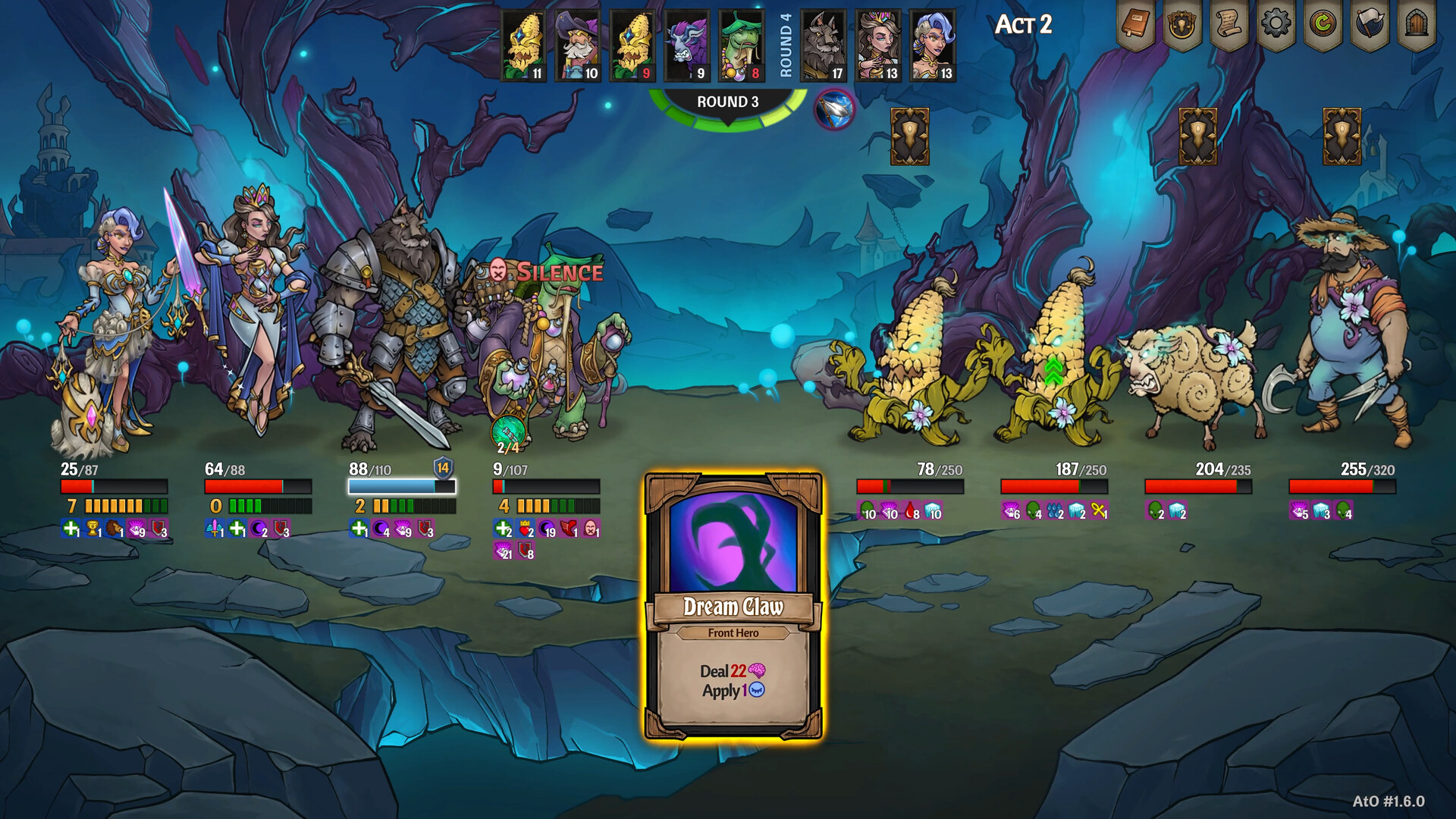
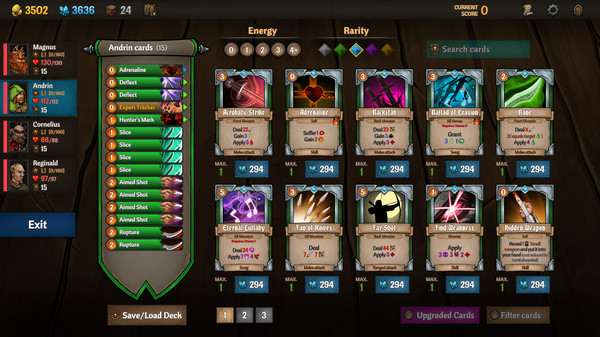
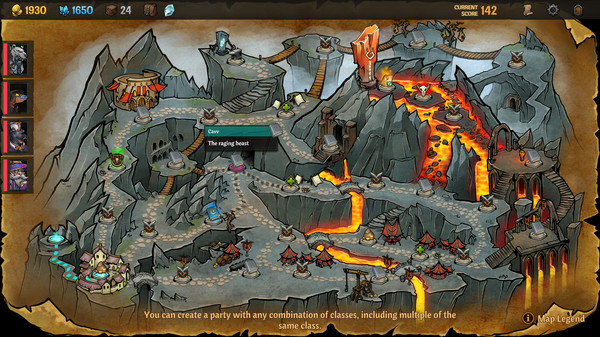
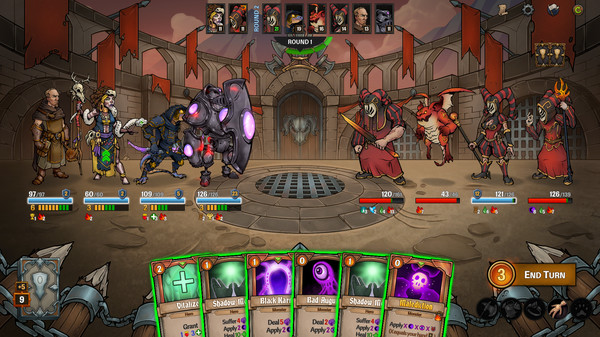
Gameplay
About This Game :
Team up with your friends and experience roguelite deckbuilding like never before! Craft decks of enormous power and lead your party on a thrilling quest to rescue a realm in turmoil. Choose wisely; your decisions have consequences. Dare you go Across the Obelisk?
-
Plan your strategy, but be prepared to adapt as you encounter procedurally generated events.
-
Build decks from 500+ cards, over 300 items and 16 heroes in four different classes.
-
Take sole control of your party of four heroes, or bring fellow adventurers along for the ride in 2-4 player online co-op.
-
Coordinate your party in tactical combat and experiment with different class combinations for entirely new ways to play.
-
Encounter powerful bosses and navigate events and quests where your decisions affect how the story unfolds.
-
Enjoy endless replayability with three in-depth game modes to master.
Your quest carries great risk: rescue your king’s daughter from the clutches of the treacherous Lord Hanshek before she meets her end. Your party’s fate, and that of Senenthia, is in your hands. How will you proceed?

-
The goal of your quest is set in stone, but there are twists and turns on every path. How will you fare when no two journeys are the same?
-
Your choices matter. Which road will you take this time? Who will you save? Who will you leave behind?
-
Cooperation is vital! Decide together what’s best for your party. Will you help the people of Senenthia on your journey or selfishly search for epic loot?

-
Customize and upgrade your decks by earning XP and unlocking perk points. Tackle four acts – each with its own fearsome boss – but beware of random events on your journey!
-
Build your deck from a vast choice of upgradeable cards and items. New and more powerful combos are yours to discover each time you enter Senenthia.
-
Combine character classes in different ways to find your favorite play style. Will you overwhelm your foes with mighty warriors or use your cunning and employ sneaky scouts?
-
Looking for a tough roguelike challenge? Try obelisk mode. Draft unique decks and embark on a randomized adventure where being prepared for anything is everything!
-
Discover endless combinations of cards, items, heroes and classes. And just as many ways to strategize your way to victory.

-
Regular updates and content drops will keep you coming back to Senenthia time and time again.
-
Want to test yourself against other players? Take on the weekly challenge mode. The deck and map are predetermined; success comes down to your skill.
-
Team up with other players on whichever platform they own, thanks to crossplay.
-
Let your friends follow along on your adventure when Story DLCs you own are shared across platforms with your entire party.
-
“Just one more run.” Enjoy unrivaled variety and endless replayability – Across the Obelisk rewards experimentation and keeps you coming back for more!
System Requirements for Across the Obelisk
MINIMUM :
- OS: Windows 10
- Processor: 2.0 Ghz
- Memory: 2 GB RAM
- Graphics: 1Gb Video Memory, capable of OpenGL 3.0+ support (2.1 with ARB extensions acceptable)
- Storage: 1 GB available space
How To Install Across the Obelisk
1. Download The Game.
2. Extract with WinRAR
3. Play!.
How To play Across the Obelisk ONLINE
1. Download the “Online Crack” from the link provided below and extract the files. After extraction, move the contents into your game’s main installation directory.
2. Download and install Steam.
3. Open Steam and log in. If you don’t have an account yet, you can create one through HERE.
4. Press “Win + R” on your keyboard, type “steam://install/480”, and hit Enter. This will install and update the required game component.
5. Launch the game via AcrossTheObelisk.exe.
6. Joining: Multiplayer > JOIN a multiplayer game > Connect to any server.
Hosting: Multiplayer > Select mode > Create Room > Wait for other players to join.
7. Enjoy !
Notes:
- The game already comes with the “Online Crack” pre-applied, so you can skip Step #1 mentioned above. However, if your antivirus software removes the “Online Crack” files, you’ll need to reapply them manually.
- You can play on official servers.
Download Across the Obelisk
Download Across the Obelisk Crack Online


Comments