
Download Castle Crashers v3.0 + ONLINE

Game Details
Release name : Castle Crashers v3.0 + ONLINE
Size : 339.20 MB
Title : Castle Crashers®
Genre : Action, Adventure, Casual, Indie, RPG
Developer : The Behemoth
Publisher : The Behemoth
Store : click here
Release Date : 26 Sep, 2012
Credits / Released By: OFME
Screenshots
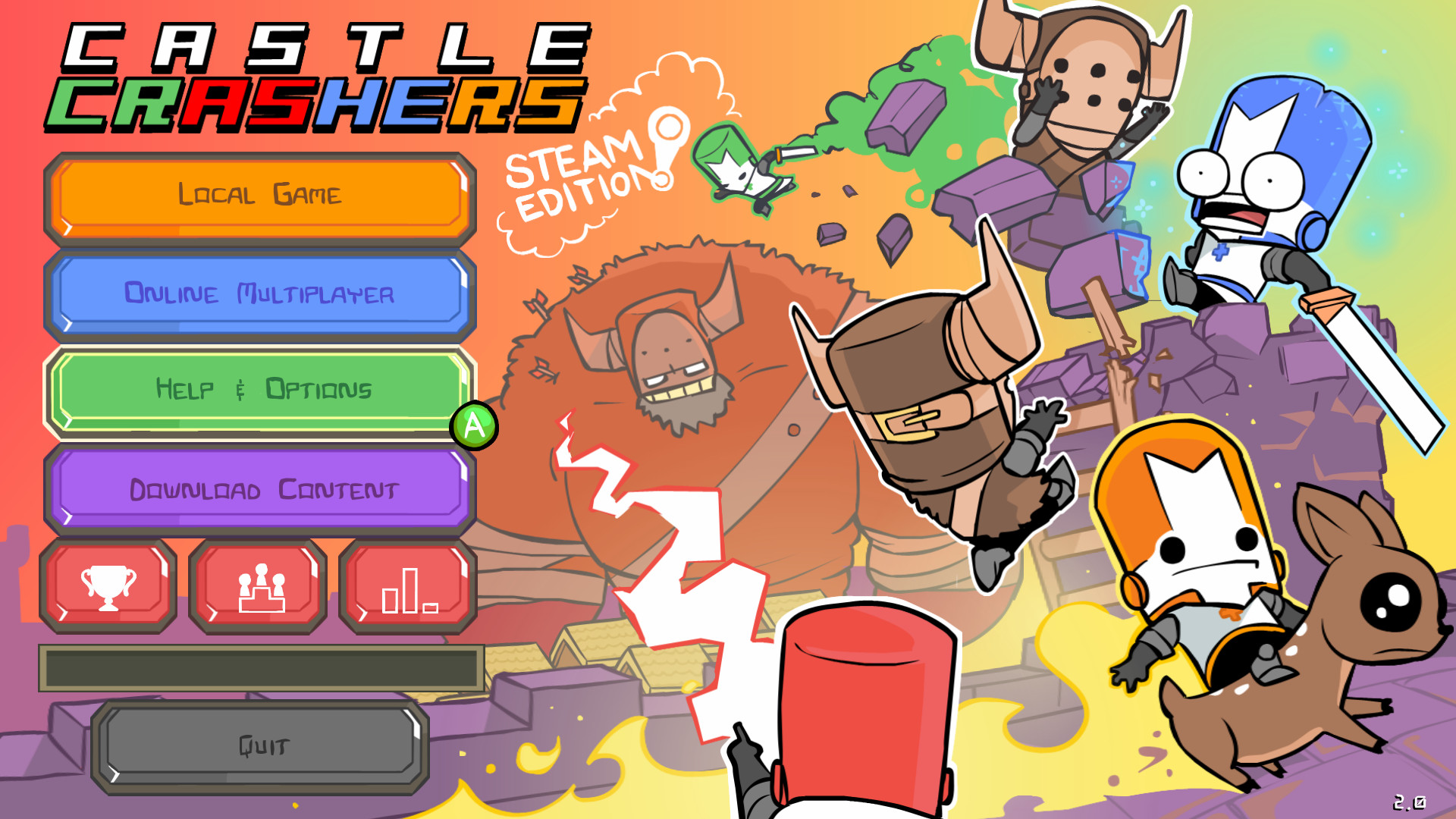
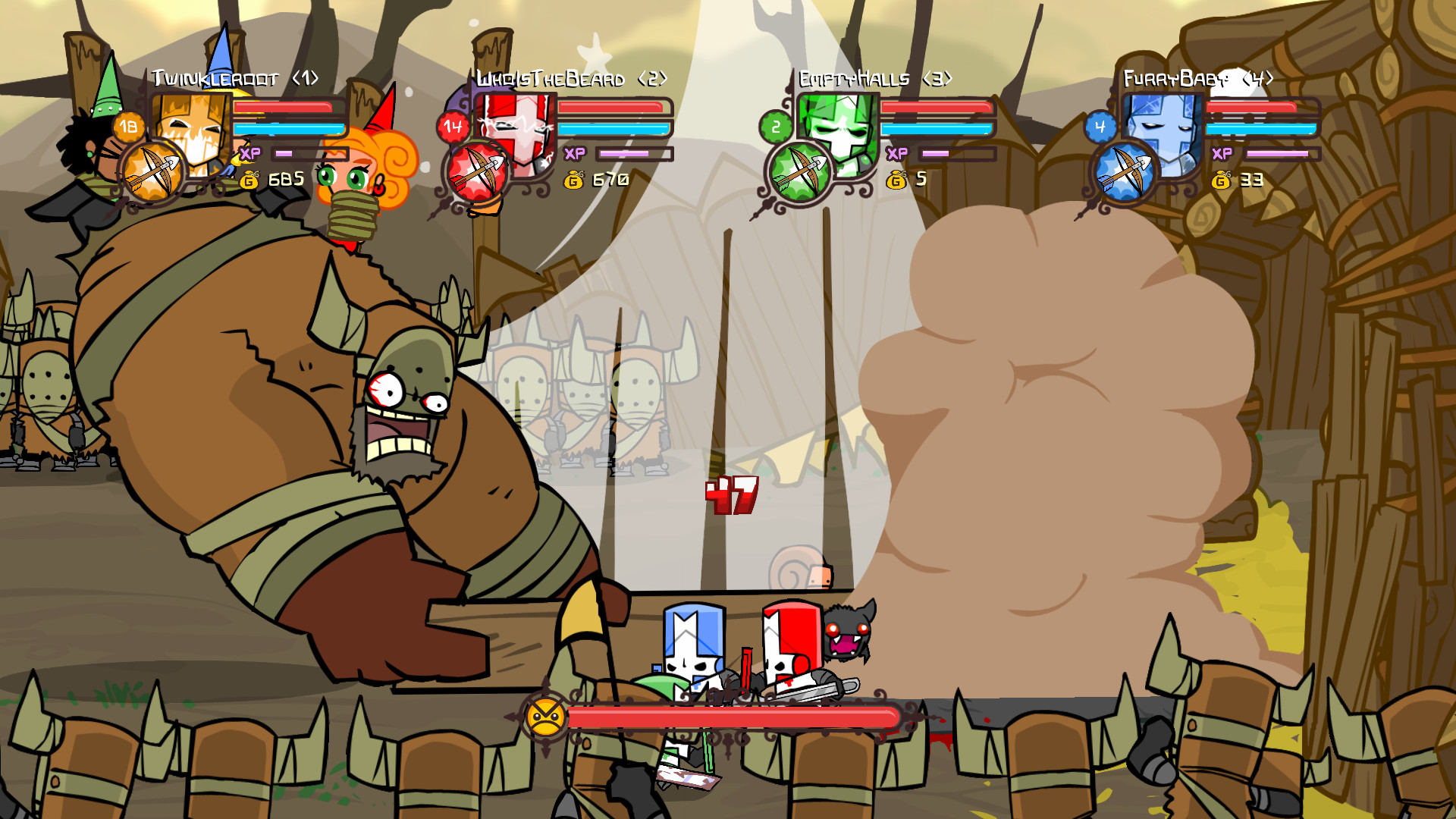
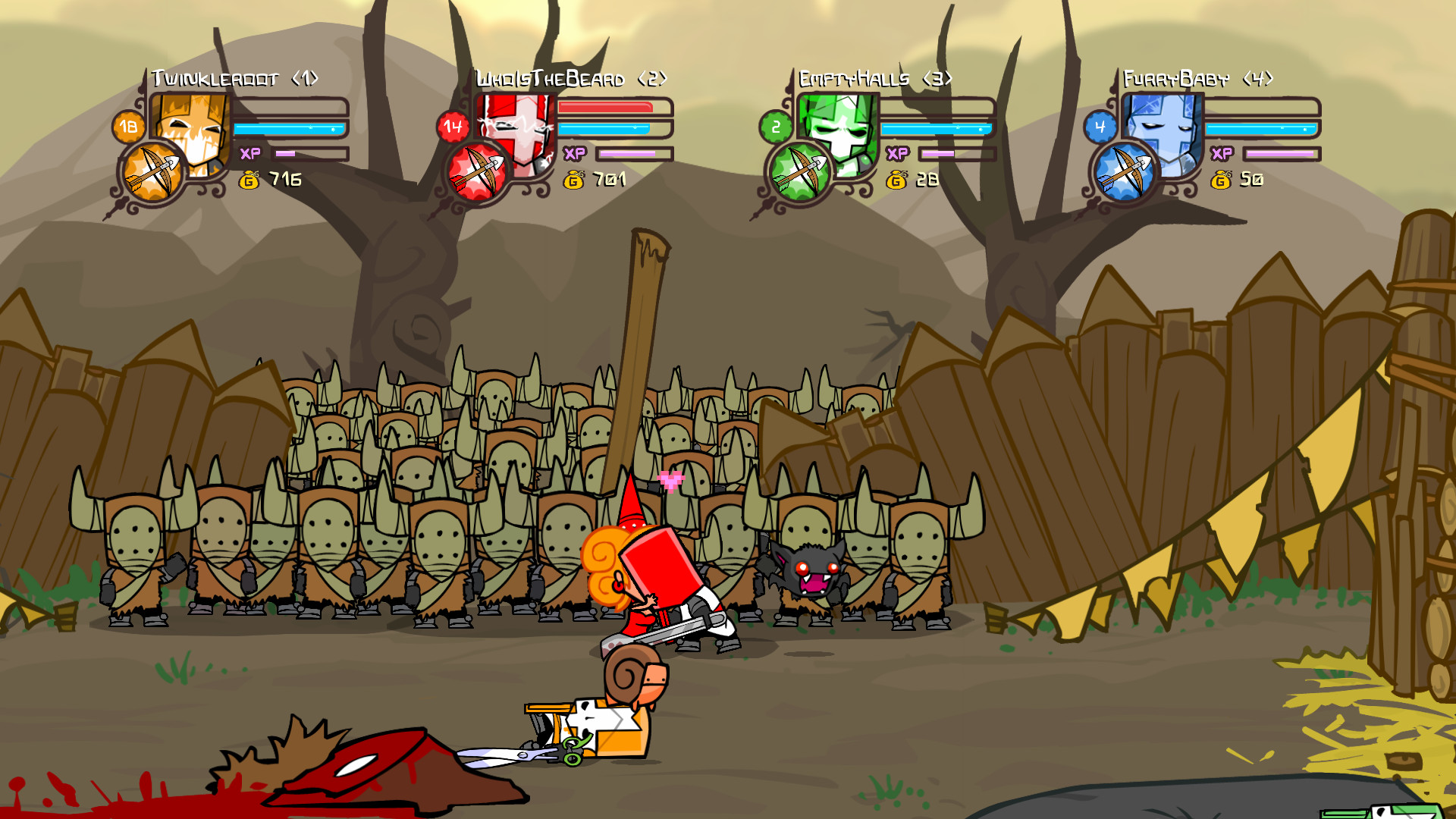
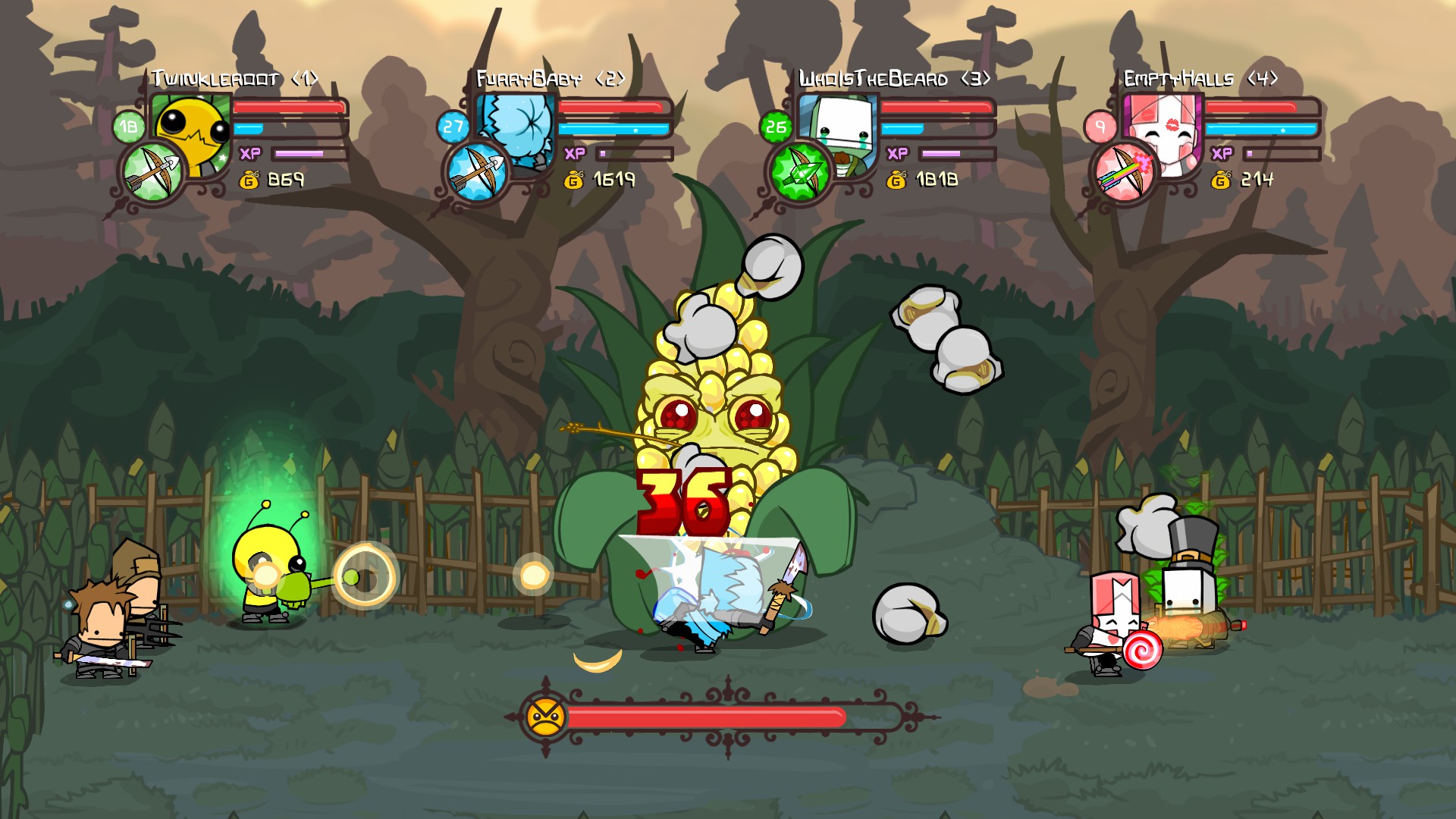
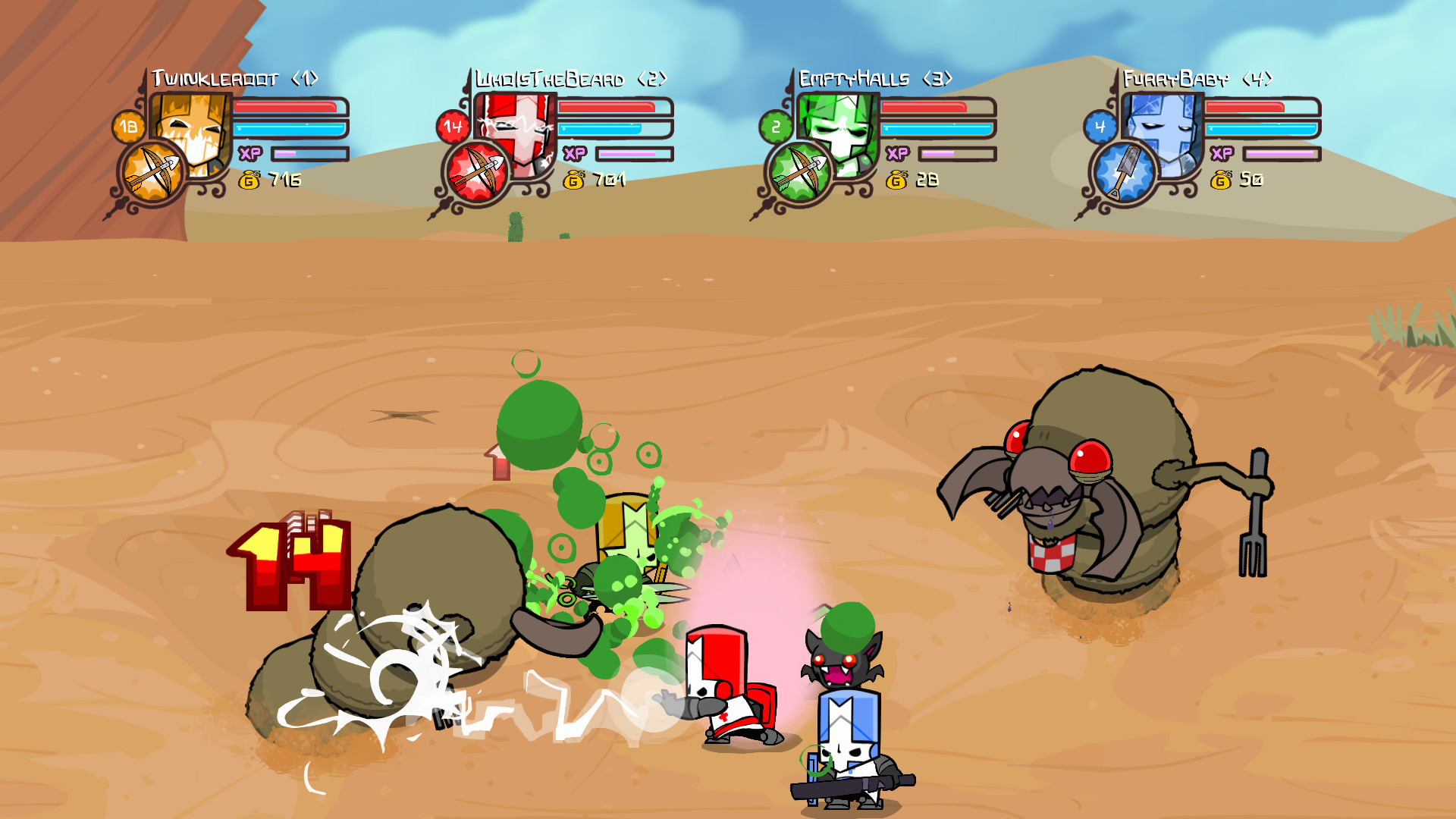
Gameplay
About This Game :
System Requirements for Castle Crashers®
MINIMUM :
- OS:Microsoft® Windows® 10
- Processor:Intel Core 2 Duo 2GHz+ or better
- Memory:8 GB RAM
- Graphics:2GB RAM
- DirectX®:9.0c
- Hard Drive:512 MB HD space
- Sound:DirectX compatible
- Other Requirements:Broadband Internet connection
- Additional:Supports Direct Input compatible controllers
- Additional:Ultra Graphics Mode requires a 64-bit OS, at least 8GB of RAM, and 2GB VRAM.
How To Install Castle Crashers®
1. Download The Game.
2. Extract with WinRAR
3. Play!.
How To play Castle Crashers® ONLINE
1. Download the “Online Crack” from the link provided below and extract the files. After extraction, move the contents into your game’s main installation directory.
2. Download and install Steam.
3. Open Steam and log in. If you don’t have an account yet, you can create one through HERE.
4. Press “Win + R” on your keyboard, type “steam://install/480”, and hit Enter. This will install and update the required game component.
5. Launch the game via castle.exe.
6. Joining: Accept an invitation from a friend.
Hosting: Play Online > Select > Play With Friends > X > Invite friends and wait for them to join
7. Enjoy !
Note:
- The game already comes with the “Online Crack” pre-applied, so you can skip Step #1 mentioned above. However, if your antivirus software removes the “Online Crack” files, you’ll need to reapply them manually.
Download Castle Crashers®
Download Castle Crashers® Crack Online


Stay related to the article's topic.
Avoid unnecessary links or spam.
No offensive language, insults, or personal attacks.
Have a question unrelated to this article? Visit our Questions Section .
Join the Discussion
Share your thoughts with us