
Download Medieval Dynasty Build 23681518 + ONLINE

Game Details
Release name : Medieval Dynasty Build 23681518 + ONLINE
Size : 25.07 GB
Title :
Genre :
Developer :
Publisher :
Store : click here
Release Date :
Credits / Released By: Based on my own CSF + OFME
Screenshots
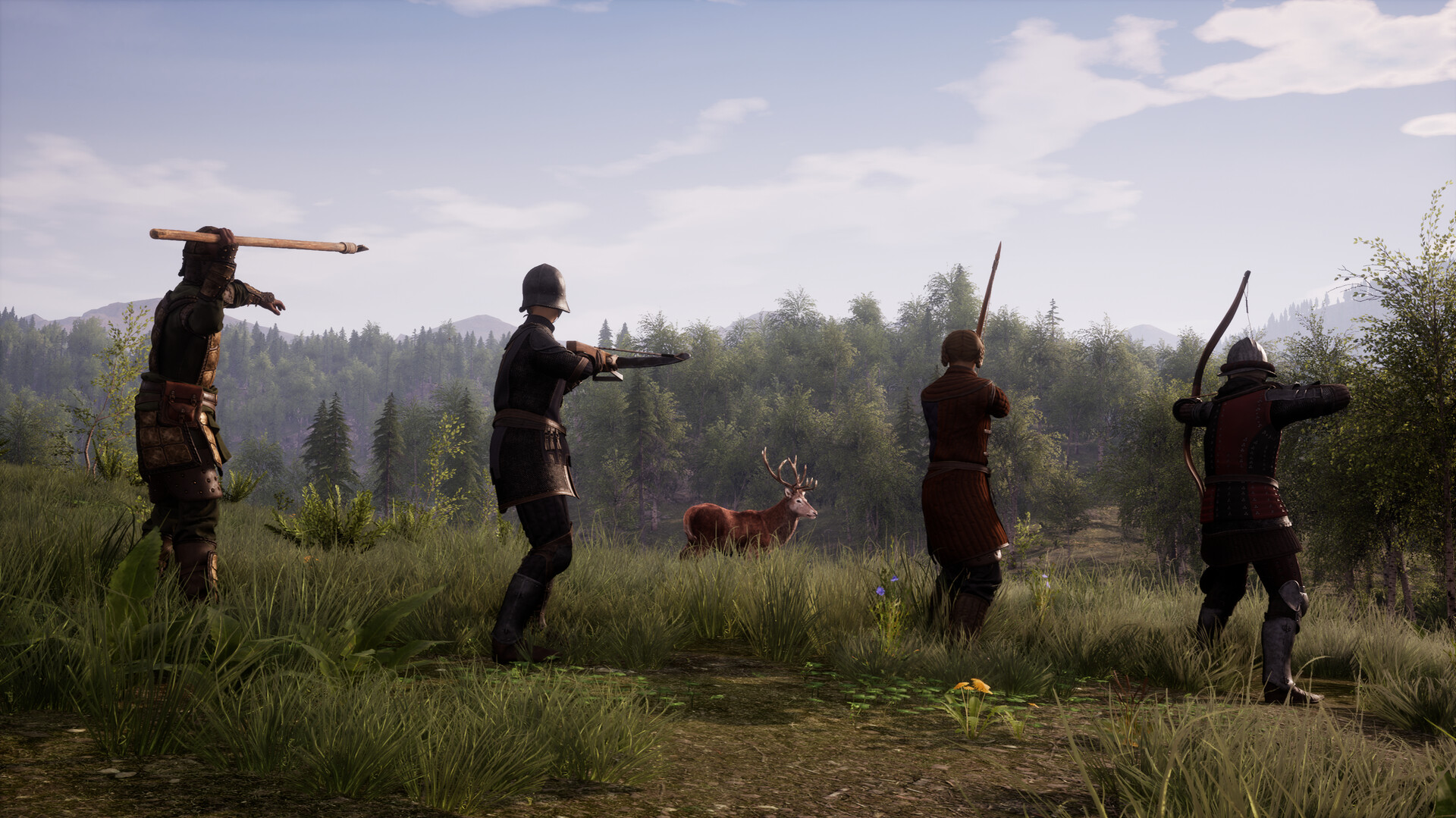
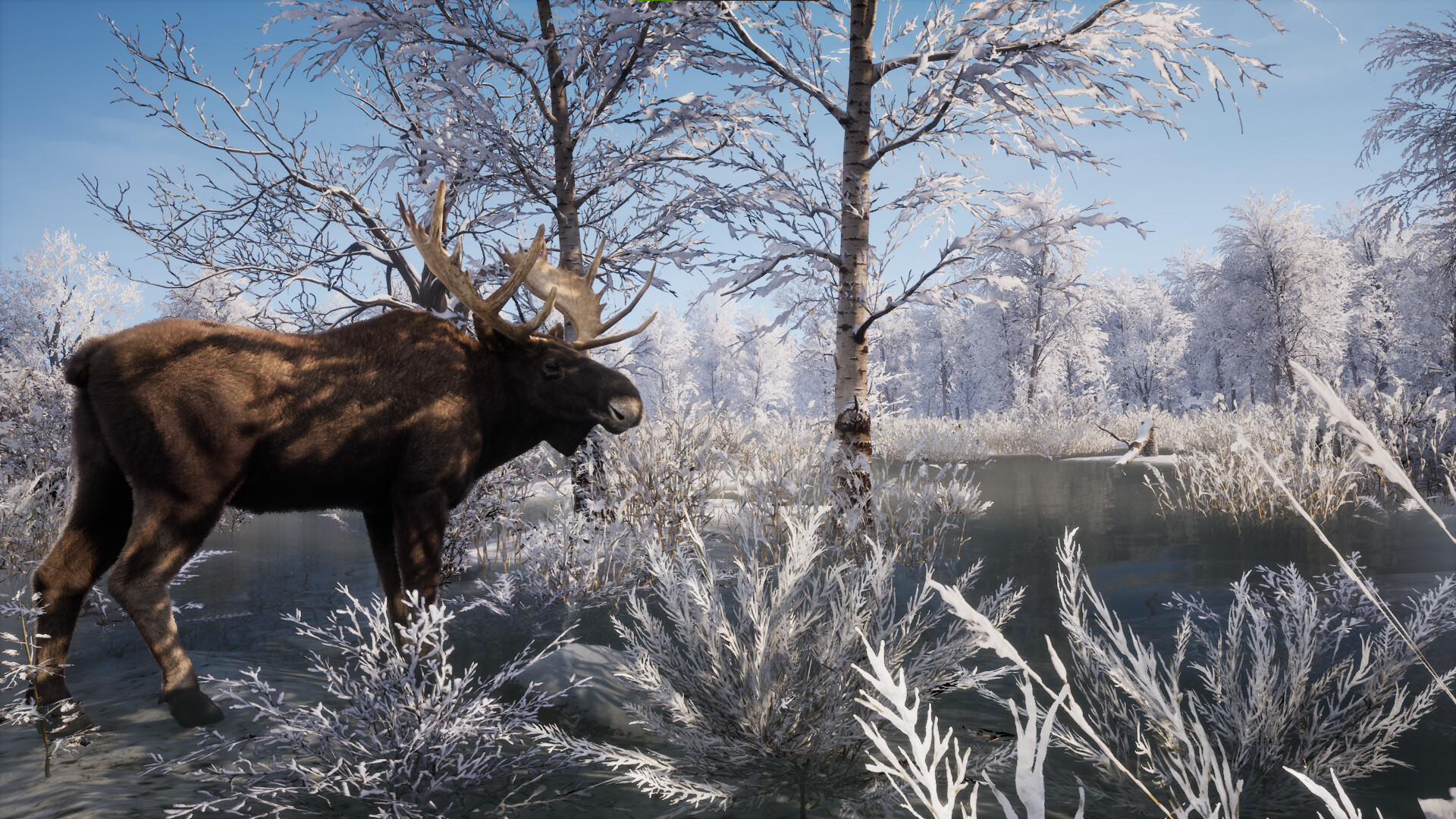
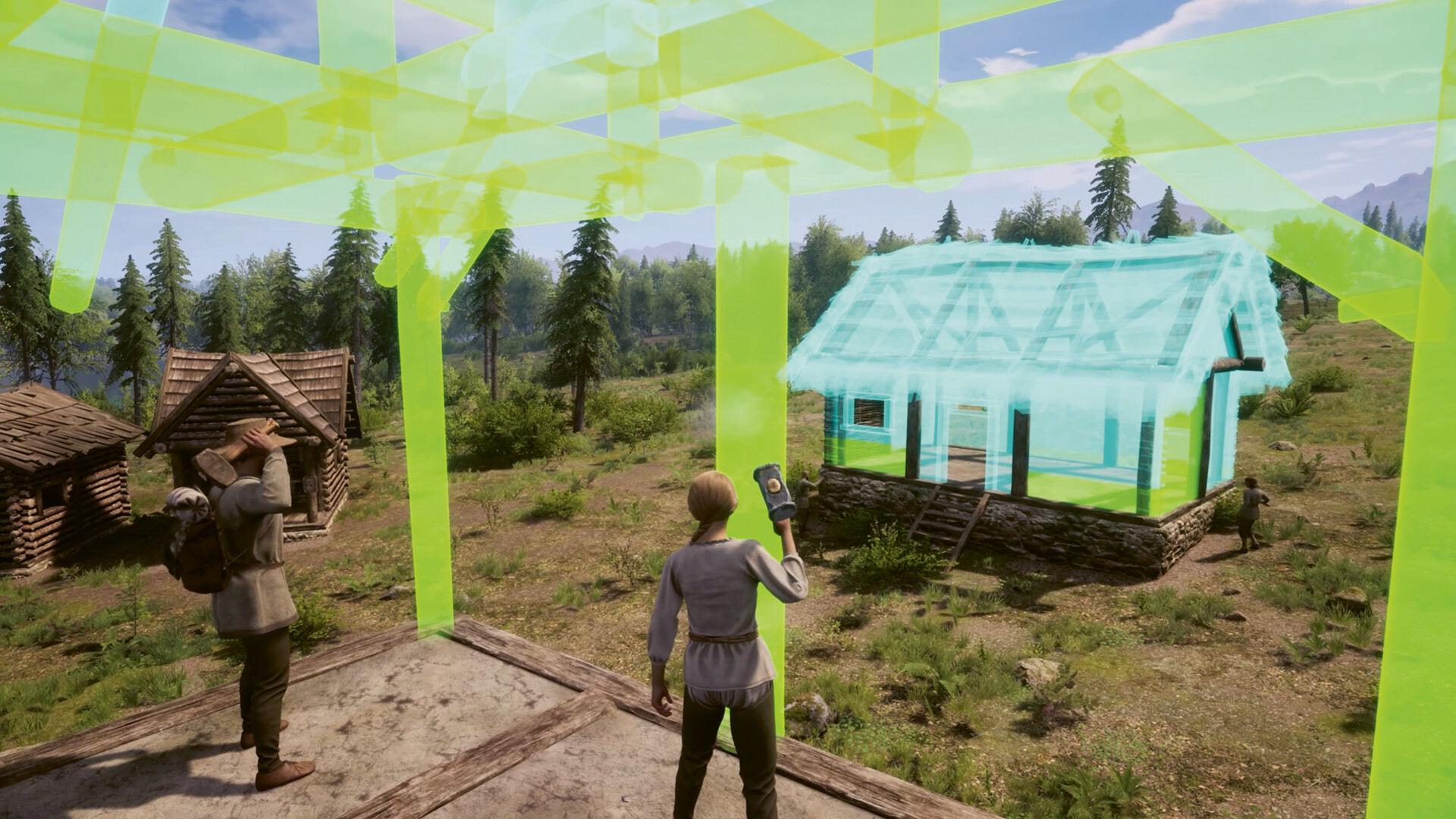
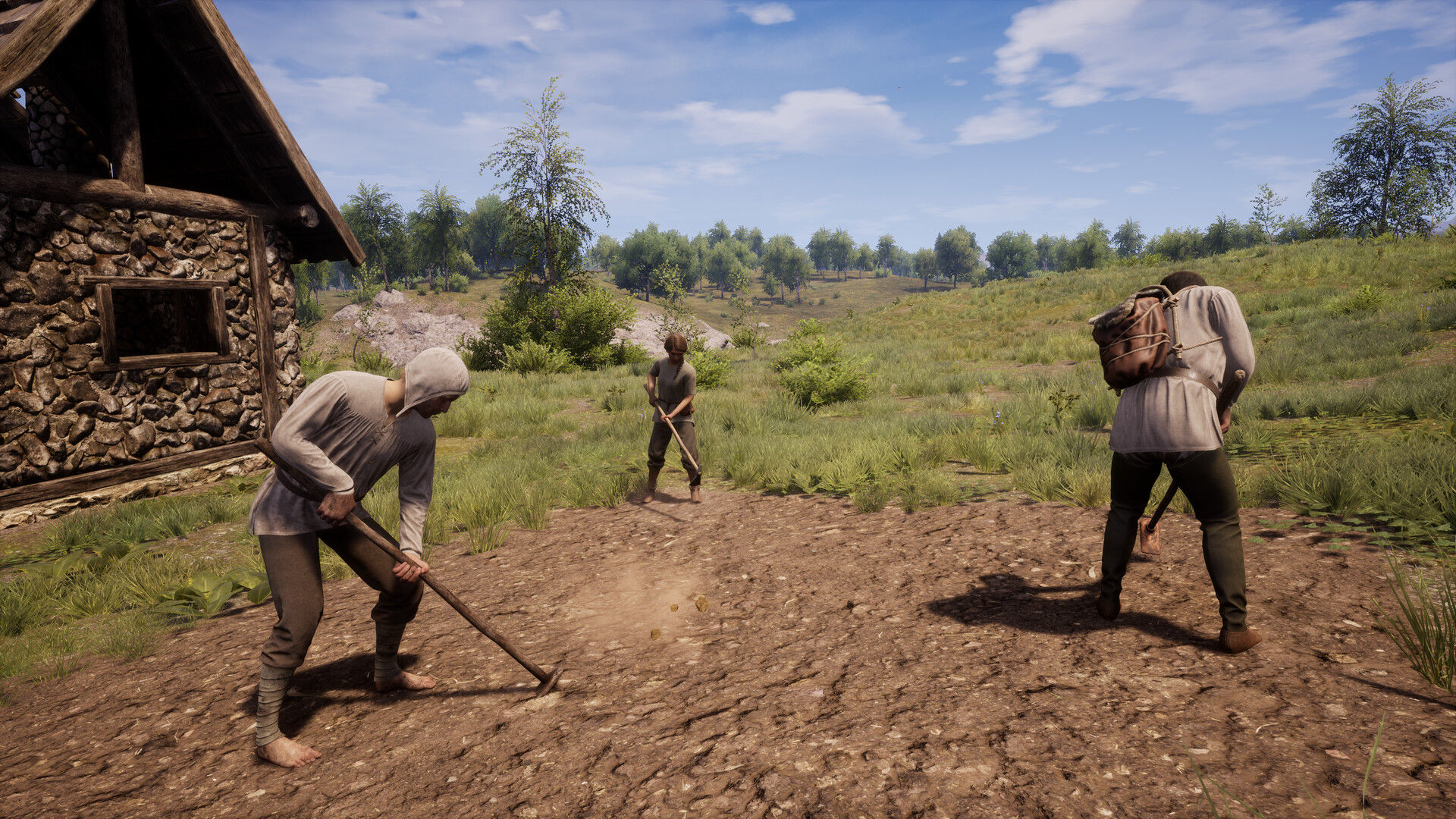
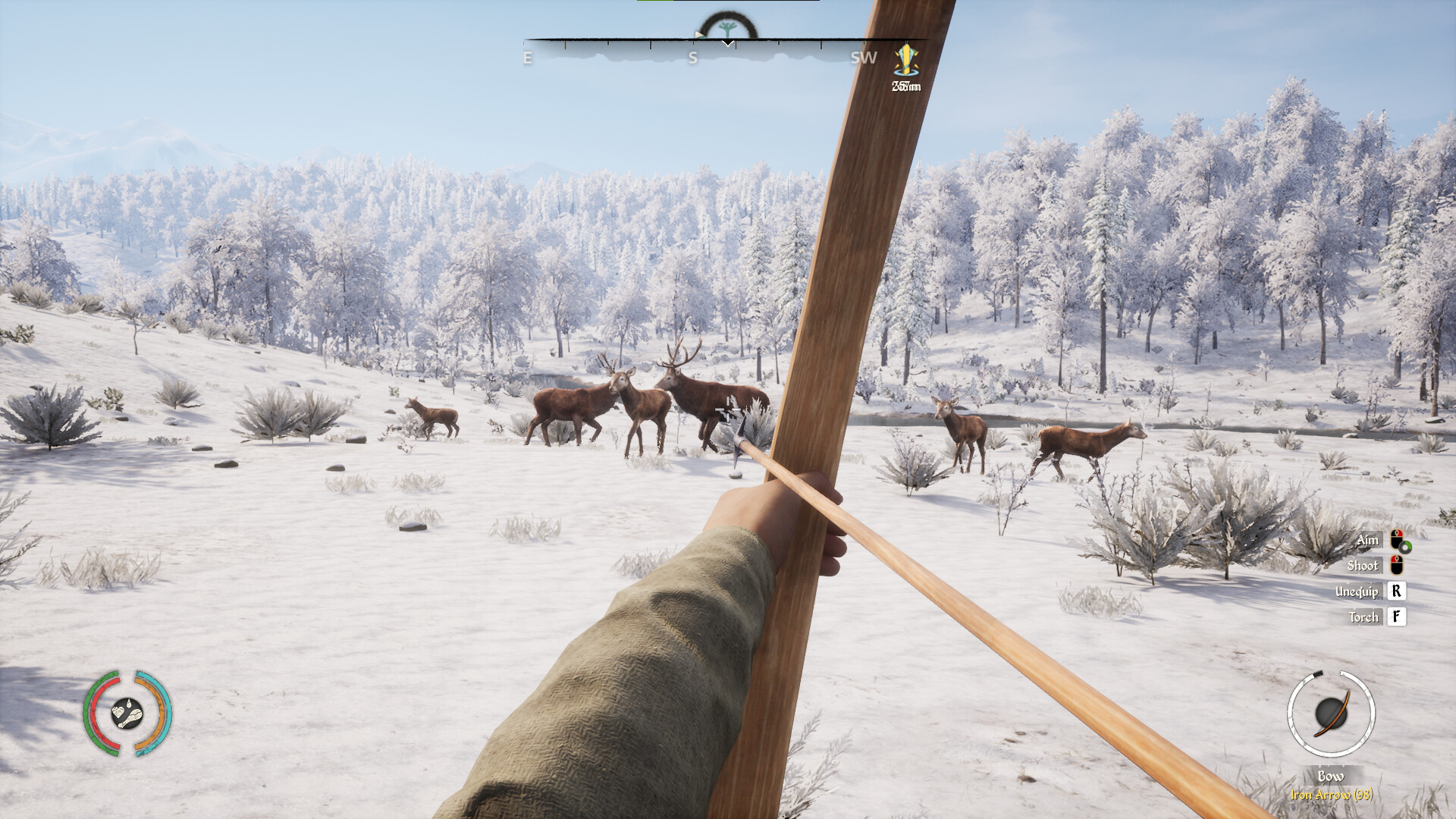
Gameplay
About This Game :
Hunt, survive, build and lead in the harsh Middle Ages: Create your own Medieval Dynasty and ensure its long-lasting prosperity or die trying! Play alone or team up with friends to enjoy the ultimate medieval experience.
System Requirements for
MINIMUM :
- OS: Windows 10, 11 (x64)
- Processor: Intel Core i5 @ 3.3GHz or AMD @ 3.5GHz
- Memory: 8 GB RAM
- Graphics: DirectX 11 compatible GPU, 6GB dedicated VRAM (Intel Arc A580 / GeForce GTX 1060 / Radeon RX 580)
- DirectX: Version 11
- Network: Broadband Internet connection
- Storage: 20 GB available space
- Additional Notes: Though not required, SSD for storage and 16 GB of memory is recommended
RECOMMENDED :
- OS: Windows 11 (x64)
- Processor: Intel Core i5/i7 @ 4GHz or Ryzen 5 @ 4GHz
- Memory: 16 GB RAM
- Graphics: DirectX 12 compatible GPU, 8GB dedicated VRAM (Intel Arc A750 / GeForce GTX 1660 / Radeon RX 590)
- DirectX: Version 12
- Network: Broadband Internet connection
- Storage: 20 GB available space
- Additional Notes: Though not required, SSD for storage is recommended
How To Install
1. Download The Game.
2. Extract with WinRAR
3. Play!.
How To play ONLINE
1. Download the “Online Crack” from the link provided below and extract the files. After extraction, move the contents into your game’s main installation directory.
2. Download and install Steam.
3. Open Steam and log in. If you don’t have an account yet, you can create one through HERE.
4. Press “Win + R” on your keyboard, type “steam://install/480”, and hit Enter. This will install and update the required game component.
5. Launch the game via Medieval_Dynasty.exe.
6. Log in to your Epic Games Store account in the browser window that opens.
7. Joining: Join Game > Enter the lobby code and connect to the server.
Hosting: New Game > The Oxbow > Co-op > Tell the lobby code to your friends and wait for them to connect.
8. Enjoy !
Notes:
- The game already comes with the “Online Crack” pre-applied, so you can skip Step #1 mentioned above. However, if your antivirus software removes the “Online Crack” files, you’ll need to reapply them manually.
- You can play on official servers.
Download
Download Crack Online


Stay related to the article's topic.
Avoid unnecessary links or spam.
No offensive language, insults, or personal attacks.
Have a question unrelated to this article? Visit our Questions Section .
Join the Discussion
Share your thoughts with us