
Download Aconitum-TENOKE
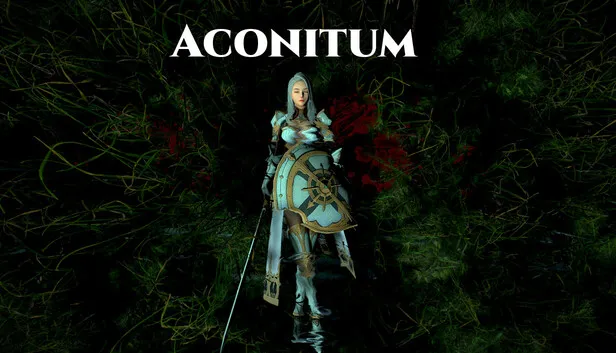
Game Details
Release name : Aconitum-TENOKE
Size : 1.3 GB
Title : Aconitum
Genre : Action
Developer : Conceptual Cage
Publisher : Conceptual Cage
Store: click here
Release Date : 25 Jan, 2025
Screenshots
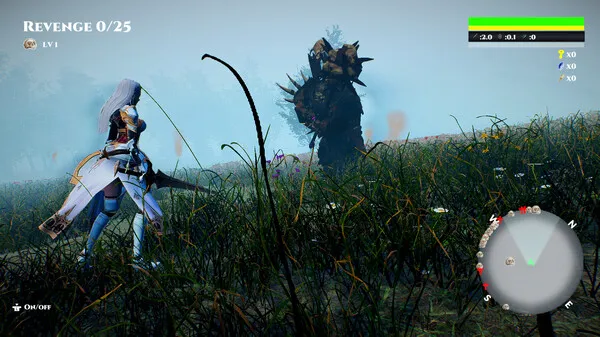
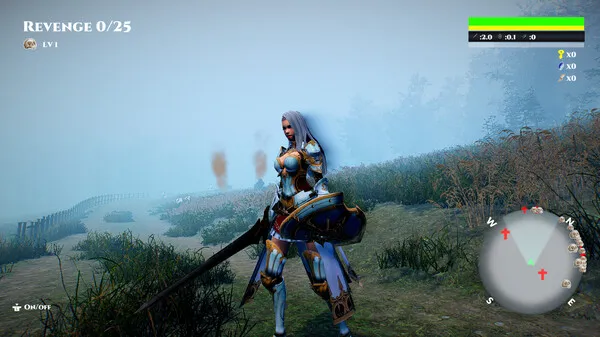
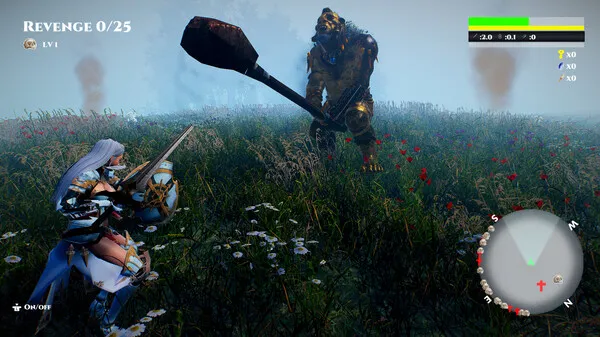
Gameplay
About This Game :
Prologue:
The female knight miraculously survives when her village is suddenly attacked by an orc army.
After her wounds heal and she recovers, she vows revenge and heads alone to where the orcs are.
Game Features:
This is a hardcore swordplay game with a strict rule that if you pause the game, your health state at that time is saved as is.
Game Objectives:
-There are four objectives in this game.
1. Defeat 25 marked enemies.
2. Find 25 hidden gems.
3. Successfully complete 20 quests.
4.If you defeat 15 or more marked enemies, complete 15 or more quests successfully, and collect 15 or more secret gems, a boss will appear in the field. You must defeat that boss.
5. Go to the obelisk on the field after fulfilling the above four conditions.
■Mark enemies.
When you defeat small goblins, you can obtain enemy data. Once you have obtained some of that data, mark a weak-looking enemy first and head to that enemy’s location to defeat it.
■Defeat the stalker.
On the way to the marked enemy, there is a chance that you will encounter one red-bodied enemy called a “stalker.”
Defeating a “Stalker” will give you a little more experience.
■Get Sword Gems.
The white gems on the field will give your sword one of the following statuses: “Normal”, “Fire”, “Electricity”, or “Poison”, and will slightly increase your attack power. Be proactive in getting them to give you an advantage in battle.
■Get keys and find hidden gems.
When you defeat a marked enemy and your revenge is complete, the enemy will drop a key. When you have the key and a treasure chest is nearby, a sound will let you know its location. Use that sound to find the treasure chest and get the hidden gem.
■You can only recover health by changing to a Heal Sword.
The only way to recover health in this game is to switch your sword to a Heal Sword and use it to damage enemies.
You fight while switching between a normal sword and a Heal Sword.
■Accept quests.
You can accept quests by pressing the view button. Quests have a time limit, and you can increase the number of successful quests by completing the objectives within that time.
*Please be aware that this game may cause problems if run on a computer with low specifications.
XBOX Controller:
Move:Left stick
Camera:Right stick
Attack:A button
Dodge:B button
Sword change:X button
Defense:LB button
Next target:RB button
Enemy data:D PAD LEFT
Status:D PAD RIGHT
Sword data:D PAD DOWN
Quest start:View button
Quit the game:Menu button
Lock on/off:Right stick push
Canvas on/off:Left stick push
Note) If the up and down movements of the right stick no longer work, you can fix this by slightly changing the stick settings in the options.
“Recording, streaming, Let’s Play videos, and any similar activities related to this game are strictly prohibited. Please enjoy the game for personal use only. We do not handle exceptions or inquiries regarding this policy.”
System Requirements for Aconitum Download Free
MINIMUM :
Requires a 64-bit processor and operating system
OS: Windows10
Processor: AMD Ryzen 5 2600 six-core Processor
Memory: 16 GB RAM
Graphics: NVIDIA GeForce GTX 1660Ti
Storage: 5 GB available space
RECOMMENDED :
Requires a 64-bit processor and operating system
OS: Windows11
Processor: AMD Ryzen 5 4500 6-core Processor
Memory: 16 GB RAM
Graphics: NVIDIA GeForce RTX 4060
Storage: 5 GB available space
How To Install Aconitum Download Free
1. Burn or mount the image using Virtual CloneDrive.
2. Install the game.
3. Copy over the cracked content from the /Crack directory on the image to your game install directory.
4. Play the game.
5. Support the software developers. If you like this game, BUY IT!
Download Aconitum Download Free
Download Aconitum-TENOKE Direct Link



Stay related to the article's topic.
Avoid unnecessary links or spam.
No offensive language, insults, or personal attacks.
Have a question unrelated to this article? Visit our Questions Section .
Join the Discussion
Share your thoughts with us