
Download Rooftops & Alleys: The Parkour Game v1.1 + ONLINE

Game Details
Release name : Rooftops & Alleys: The Parkour Game v1.1 + ONLINE
Size : 1.64 GB
Title : Rooftops & Alleys: The Parkour Game
Genre : Indie, Simulation, Sports, Early Access
Developer : MLMEDIA
Publisher : MLMEDIA
Store : click here
Release Date : 21 May, 2024
Credits / Released By: OFME
Screenshots
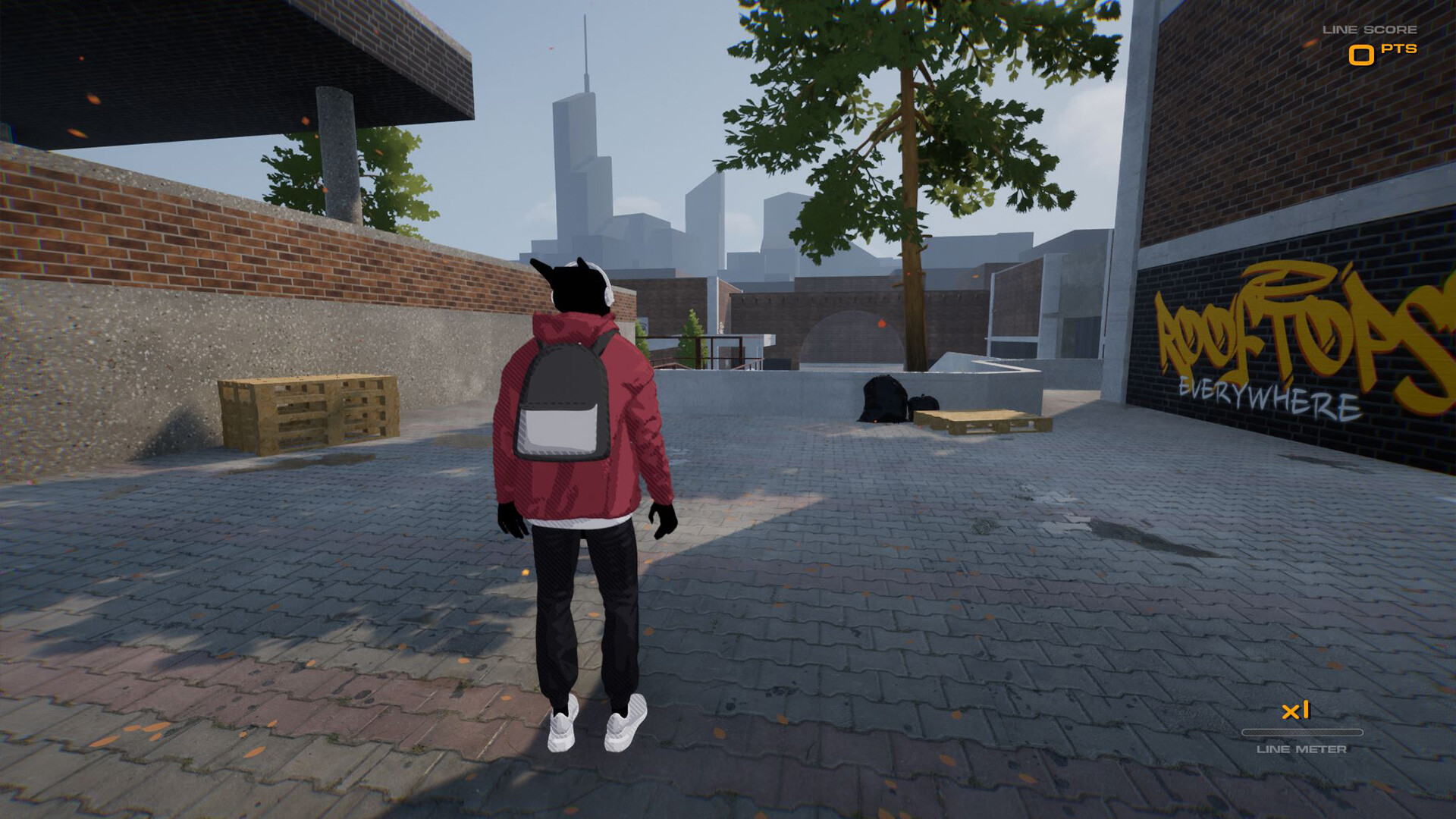
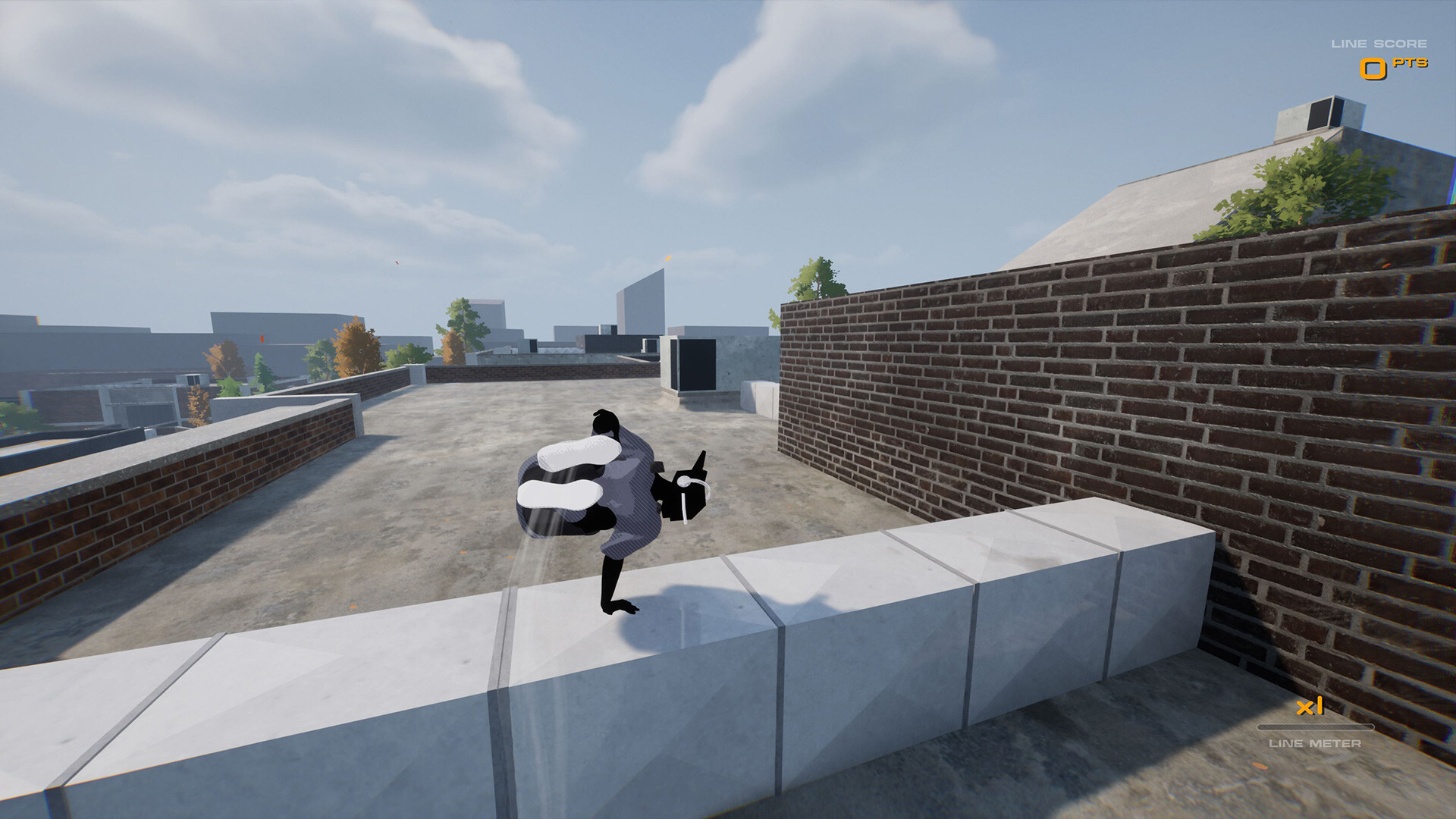
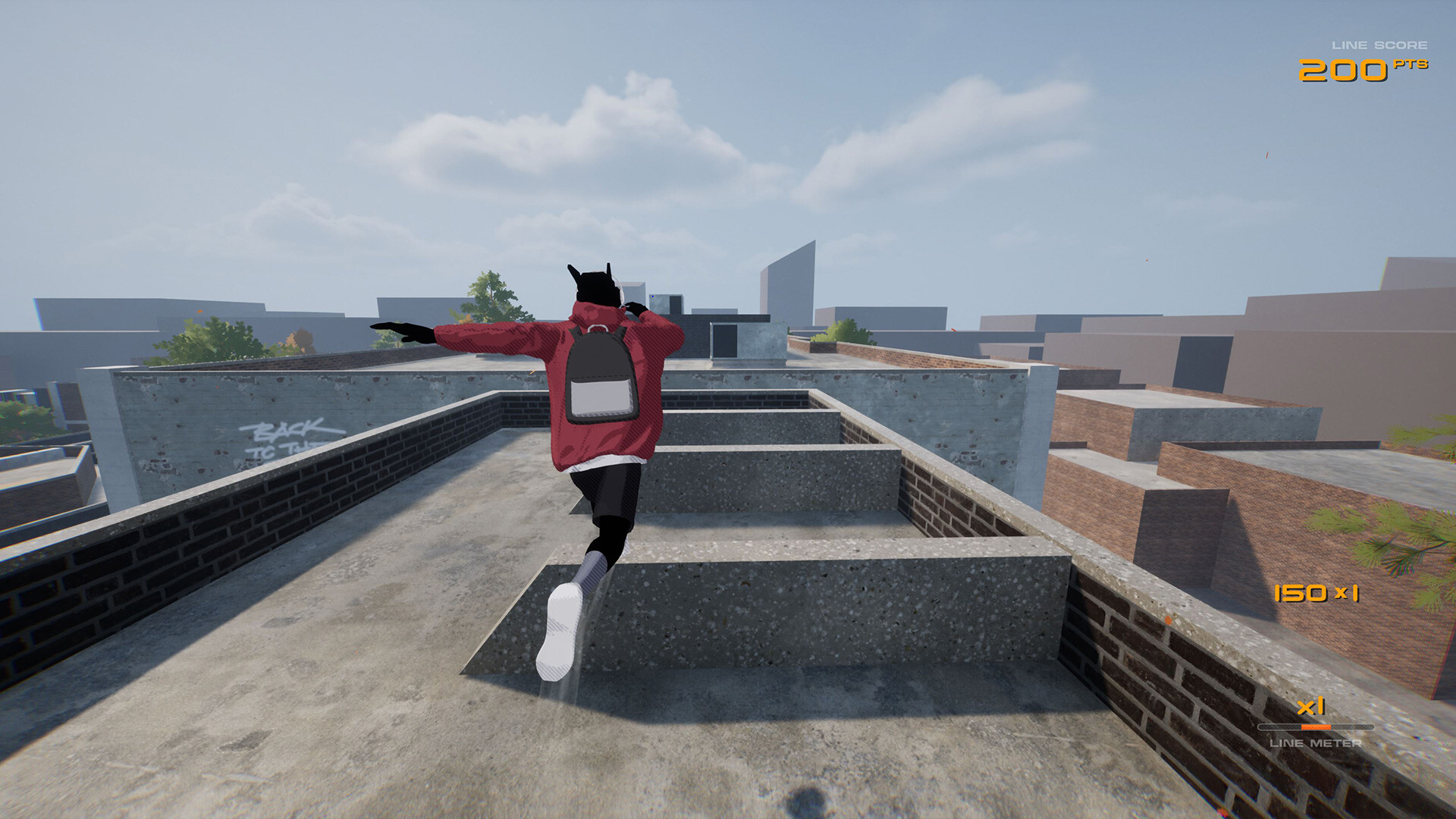
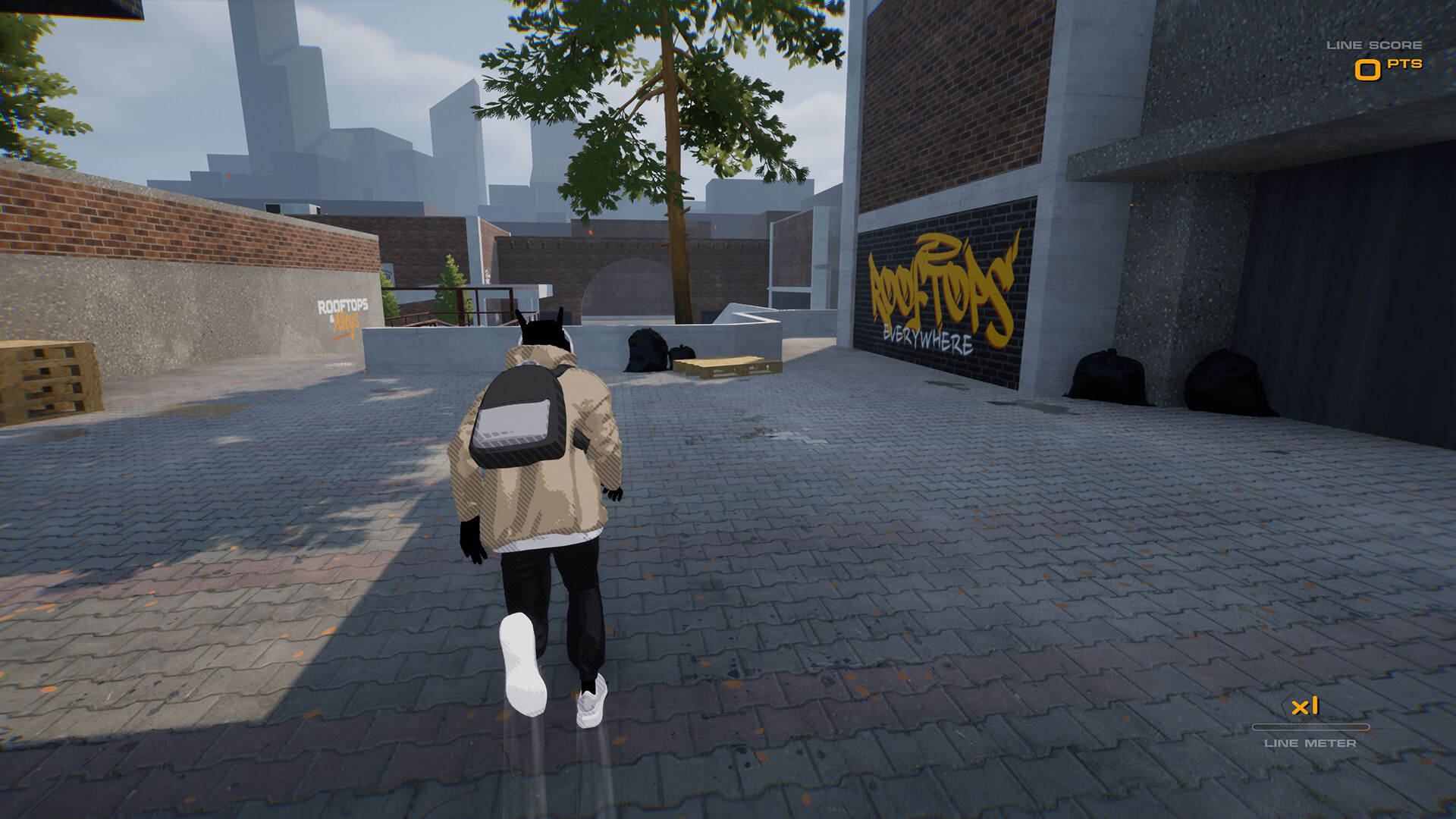
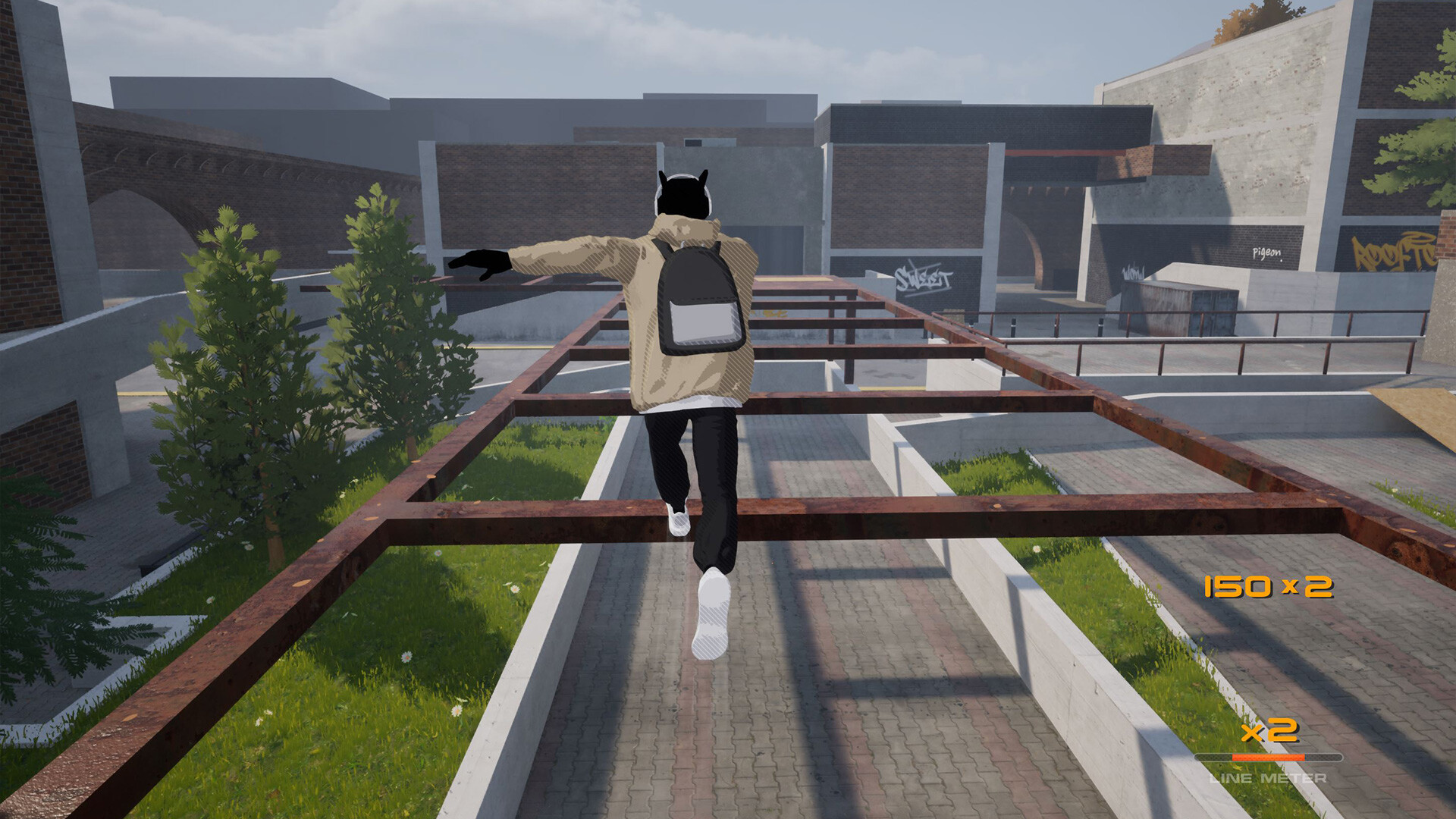
Gameplay
About This Game :
Ever felt like the world was missing that one Parkour game? That game that scratches that Parkour/Freerunning itch that other games just don’t? Rooftops & Alleys aka TheParkourGame is aiming to deliver! Rooftops & Alleys is a brand new game being developed by a single person in Unreal Engine 5. RNA has been in development for around 8-9 months and is ongoing. This project aims to create a fun single-player experience with multiple maps to free roam and challenge yourself in. This game will be its own unique take on the Parkour and freerunning gaming genre and will feature its own control scheme and tricking system (Controllers will offer the best experience, keyboard & mouse is also supported). Currently, the game is being developed primarily for PC, with the intent of releasing on consoles upon official release later on.

Game Features:
– Parkour
– Freerunning
– Tricking System
– Scoring System
– Time Trials
– Trick Challenges
– Session Marker System (Pigeon)
– Multiple Maps
– Dynamic Weather
– Character Customization
– Free Roam
– Third and First Person Camera
– Ragdoll/Bail Button
– Slowmotion Button
– Original in-game Music
System Requirements for Rooftops & Alleys: The Parkour Game
MINIMUM :
- OS *: Windows 7 +
- Processor: 2.5GHz dual core i5 or higher
- Memory: 6 GB RAM
- Graphics: GeForce GTX 950 or higher
- DirectX: Version 11
- Storage: 2 GB available space
How To Install Rooftops & Alleys: The Parkour Game
1. Download The Game.
2. Extract with WinRAR
3. Play!.
How To play Rooftops & Alleys: The Parkour Game ONLINE
1. Download the “Online Crack” from the link provided below and extract the files. After extraction, move the contents into your game’s main installation directory.
2. Download and install Steam.
3. Open Steam and log in. If you don’t have an account yet, you can create one through HERE.
4. Press “Win + R” on your keyboard, type “steam://install/480”, and hit Enter. This will install and update the required game component.
5. Start the game through RooftopsandAlleys.exe.
6. Joining: Accept an invitation from a friend.
Hosting: Play > Multiplayer > Host > ESC > Online Friends > We invite friends and wait for them to connect.
7. Enjoy !
Note:
- The game already comes with the “Online Crack” pre-applied, so you can skip Step #1 mentioned above. However, if your antivirus software removes the “Online Crack” files, you’ll need to reapply them manually.
Download Rooftops & Alleys: The Parkour Game
Download Rooftops & Alleys: The Parkour Game Crack Online




Stay related to the article's topic.
Avoid unnecessary links or spam.
No offensive language, insults, or personal attacks.
Have a question unrelated to this article? Visit our Questions Section .
Join the Discussion
Share your thoughts with us